144
Navigation mode
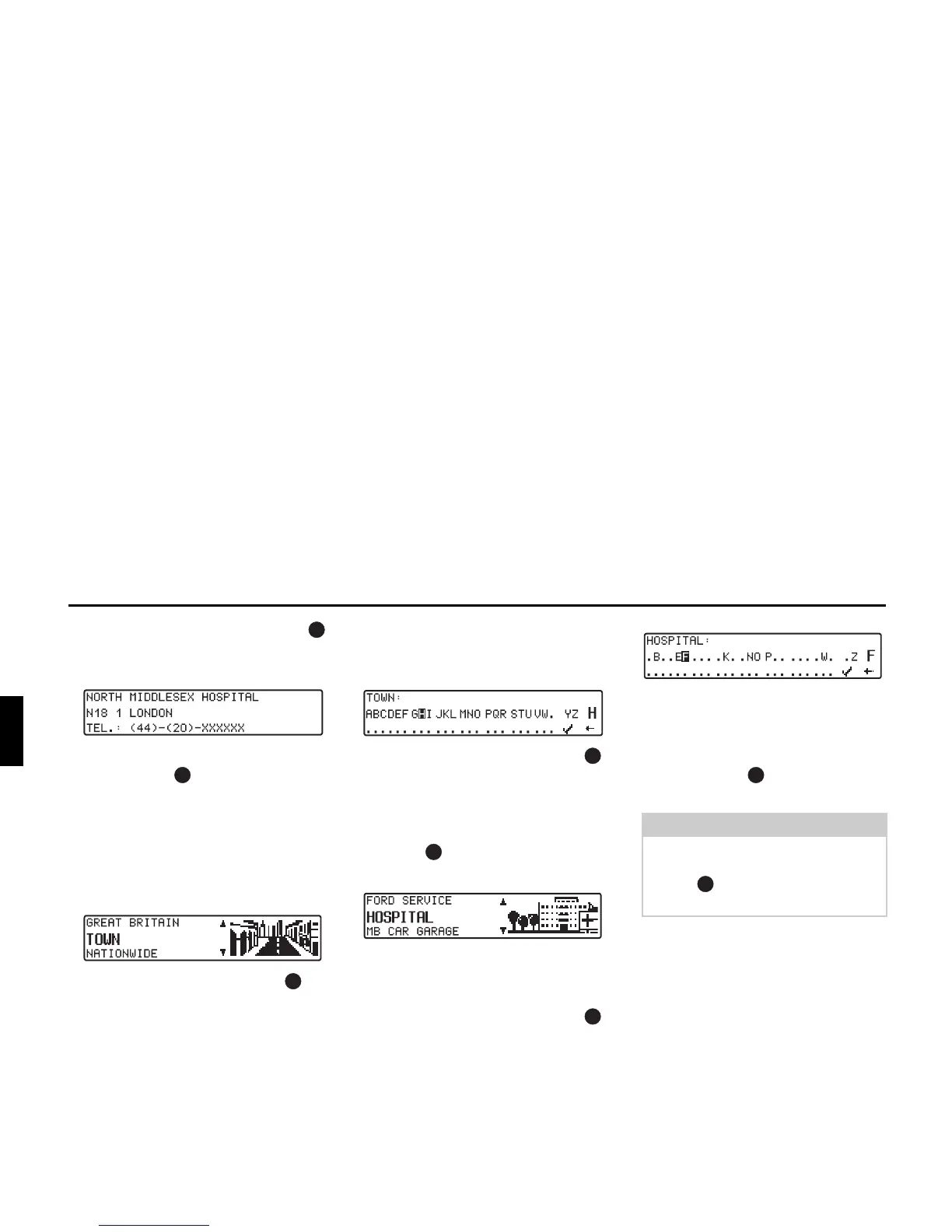
By pressing the left rotary control
information on the selected destina-
tion is listed (i.e. a hospital).
X Confirm selection with the right ro-
tary control .
The system jumps to the route menu.
• POIs TOWN/COUNTRY
You can select any point of interest of
your choice in destination countries
contained on the navigation CD.
X With the right rotary control se-
lect from the displayed country (in
the example GERMANY see
Page 124), TOWN or NATION-
WIDE and press the control to con-
firm.
Selection TOWN
Points of interest in a specified town
can be selected.
X Using the right rotary control ,
select the town name and press the
control to confirm.
X Then select the town from the town
selection list using the right rotary
control and press again to con-
firm.
The points of interest for the selected
town are displayed.
X Using the right rotary control ,
select a category and press the con-
trol to confirm.
A list of POIs is displayed or, if there
are more than 9 POIs in the list, you
will be prompted to enter text
X Enter the point of interest and con-
firm.
X Confirm the point of interest in the
displayed list by pressing the right
rotary control .
The system jumps to the route menu.
Note:
A list of possible points of interest is
displayed by pressing the right rotary
control for more than 2 seconds
without having selected any letters.















 To Next Page