150
Navigation mode
Animation
Whether ETA, the current time or the re-
maining travel time should be displayed
on the right side of the display during
navigation, is a setting option here.
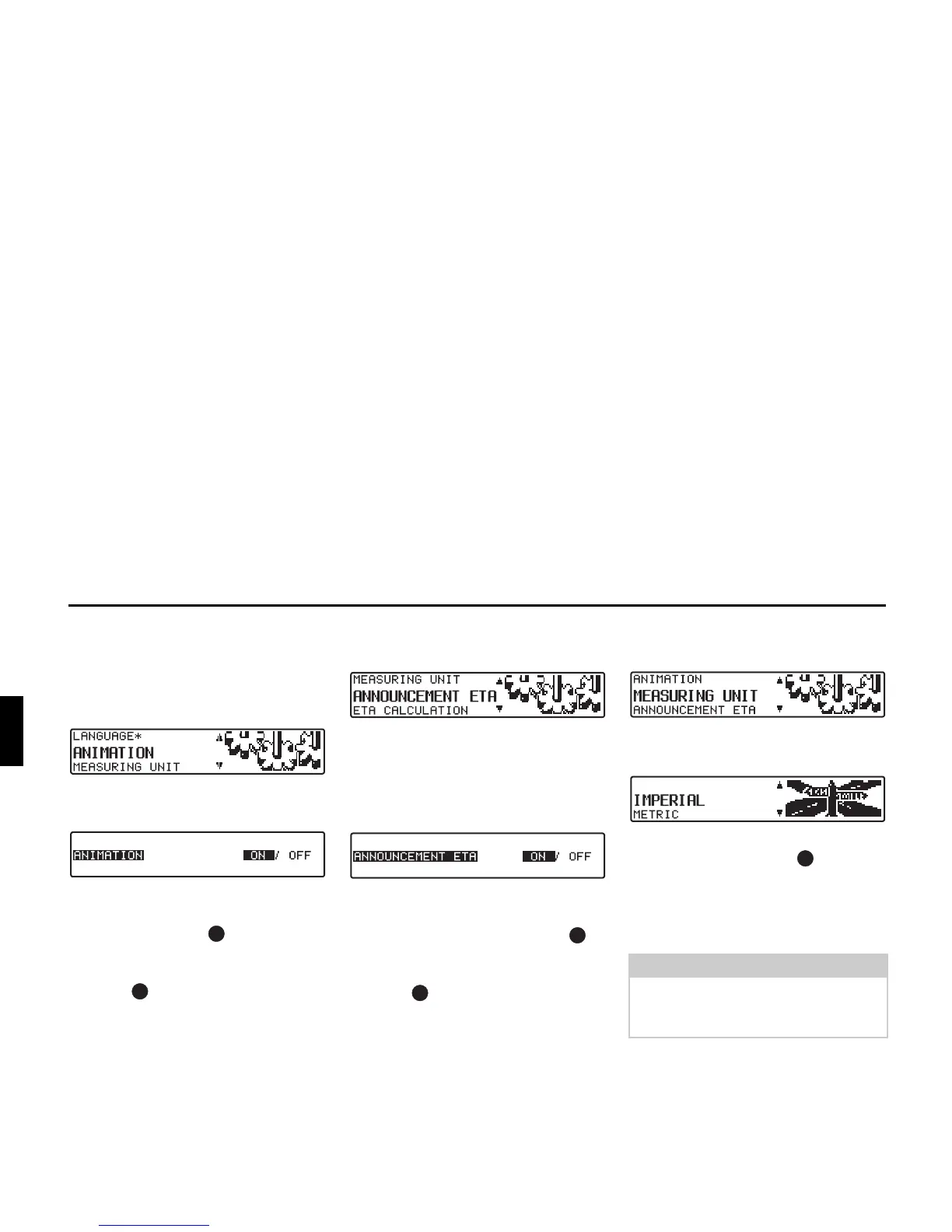
X Set and confirm ANIMATIONEN in
the System Settings menu.
X You can select between animations
ON and OFF by briefly pressing the
right rotary control .
Setting is confirmed and accepted by
pressing and holding the right rotary
control .
The system returns to the system settings
menu.
Switching announcement of
arrival time on /off
X Set and confirm ANNOUNCEMENT
ETA in the System Settings menu.
ETA stands for Estimated Time of Ar-
rival.
X You can select between ETA an-
nouncement ON and OFF by briefly
pressing the right rotary control .
Setting is confirmed and accepted by
pressing and holding the right rotary
control .
The system returns to the System Set-
tings menu.
Selecting the units of
measurement
X Set and confirm MEASURING UNIT
in the System Settings menu.
X Select the units of measurement using
the right rotary control . The units
of measurement are accepted by press-
ing the control.
The system returns to the System Set-
tings menu.
Note:
METRIC stands for calculation in me-
tres. IMPERIAL stands for calculation
in yards.















 To Next Page