173
MP3 mode
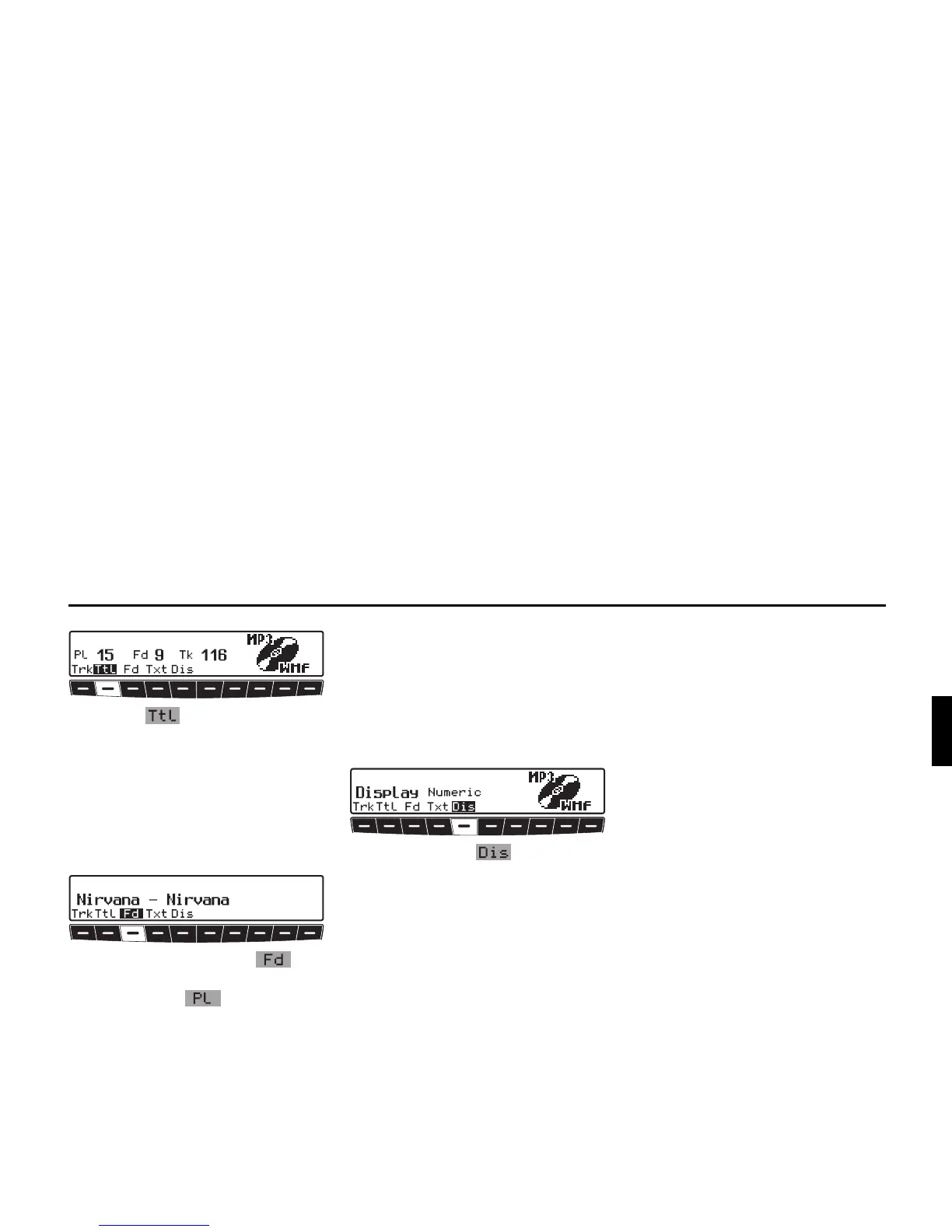
X Press the multifunction button.
The total number of playlists (Pl), fold-
ers (Fd) on the MP3 CD and the total
number of tracks (Tk) are displayed.
Displaying name of folder/
playlist
X Requesting MP3 settings menu.
X Press multifunction button or, if
you are in the playlist display, multi-
function button .
The name of the folder or the playlist is
displayed.
Switching between track/ID3
tag display
Here you can set whether in the MP3
menu the track display is provided by
the numerical track display or by dis-
playing the ID3 tag for the current track.
X Requesting CD settings menu.
X By pressing the multifunction
button, select either Numeric (track
display), or Text (track name).















 To Next Page