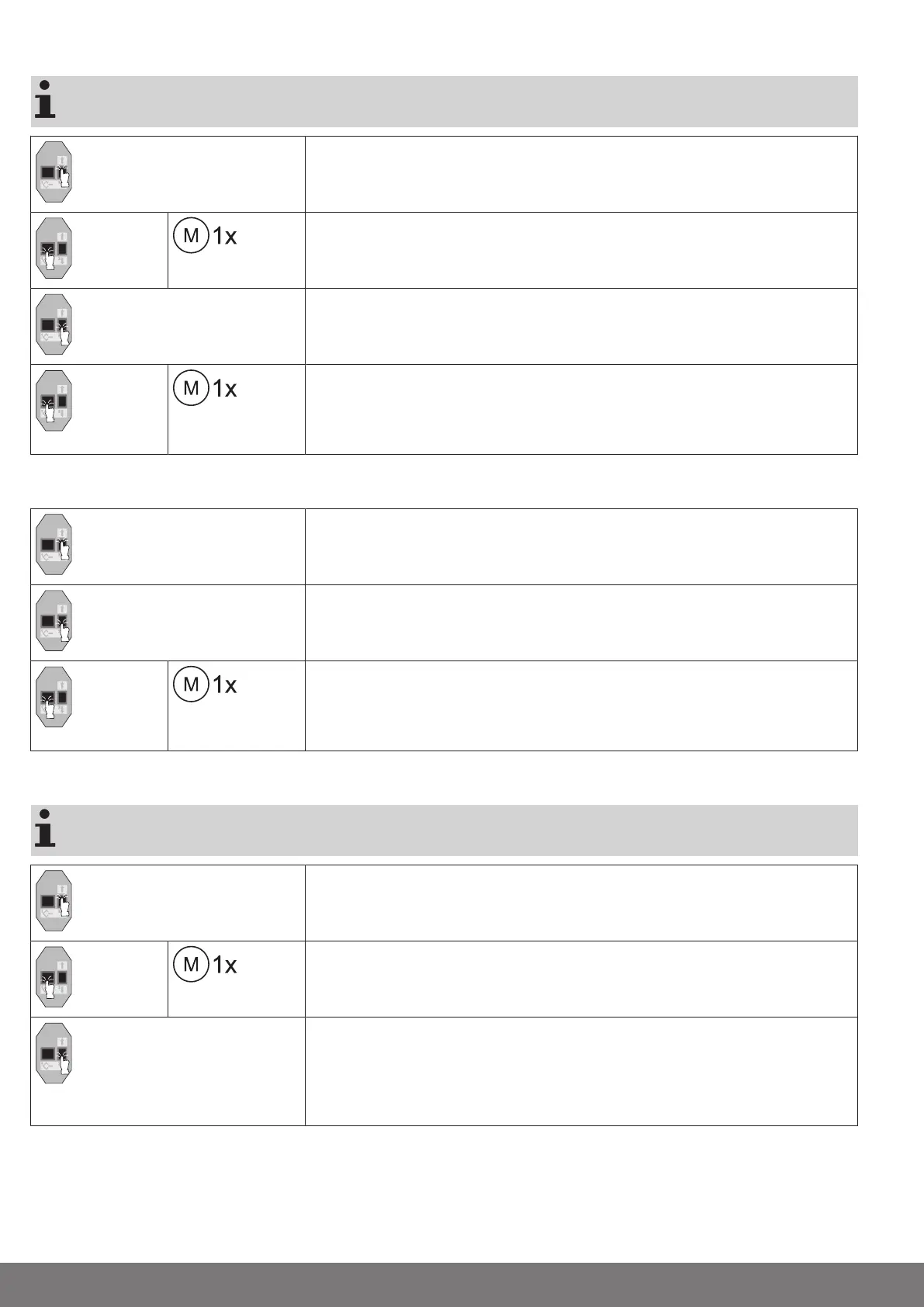
Upper point to lower point
There is no shading solution length adjustment with this limit position setting.
Open to the desired upper limit position.
Press the programming button of the programming unit for 3 seconds.
▻
The tubular drive acknowledges.
Then close to the desired lower limit position.
Press the programming button of the programming unit for 3 seconds.
▻
The tubular drive acknowledges.
►
The limit positions are now set.
Upper stop to lower point
Open to the permanent upper stop.
▻
The tubular drive switches off automatically.
Then close to the desired lower limit position.
Press the programming button of the programming unit for 3 seconds.
▻
The tubular drive acknowledges.
►
The limit positions are now set.
Upper point to lower stop
There is no shading solution length adjustment with this limit position setting.
Open to the desired upper limit position.
Press the programming button of the programming unit for 3 seconds.
▻
The tubular drive acknowledges.
Then close to the permanent lower stop without pausing. During travel, the end posi-
tion status indicator (ESI) must be displayed before the end position is reached.
▻
The tubular drive switches off automatically.
►
The limit positions are now set.
16-en




 To Next Page