Put the instrument in standby mode by selecting Standby under the Cytometer tab.
1
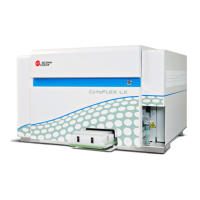
CytoFLEX LX
Replace Sheath Fluid Filter and Sample Tubing
Workflow Overview
Replacement of Sheath Fluid Filter and Sample Tubing to be carried out by FCCF staff every 6
months.
Ver. #1
2022-04-04
Instrument
in standby
Replace the
Sheath Filter
Replace the
Sample
Tubing
1. Instrument in Standby
Remove the right-side cover.
• Open the top cover.
• Unfasten the two thumbscrews for the right-side cover.
• Lift the right-side cover up and out of the slots in the frame.
2
Image from CytoFLEX LX User Manual

 Need help?
 General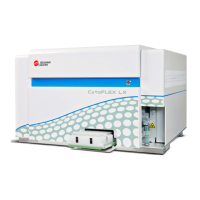




 To Next Page