Page 26
www.becs.com 9487 Dielman Rock Island Ind Dr, St. Louis, MO 63132
Operation and Maintenance Manual Rev: C17
Section C: Using the Face Panel Quick Keys
C – 1: The Set Points Key
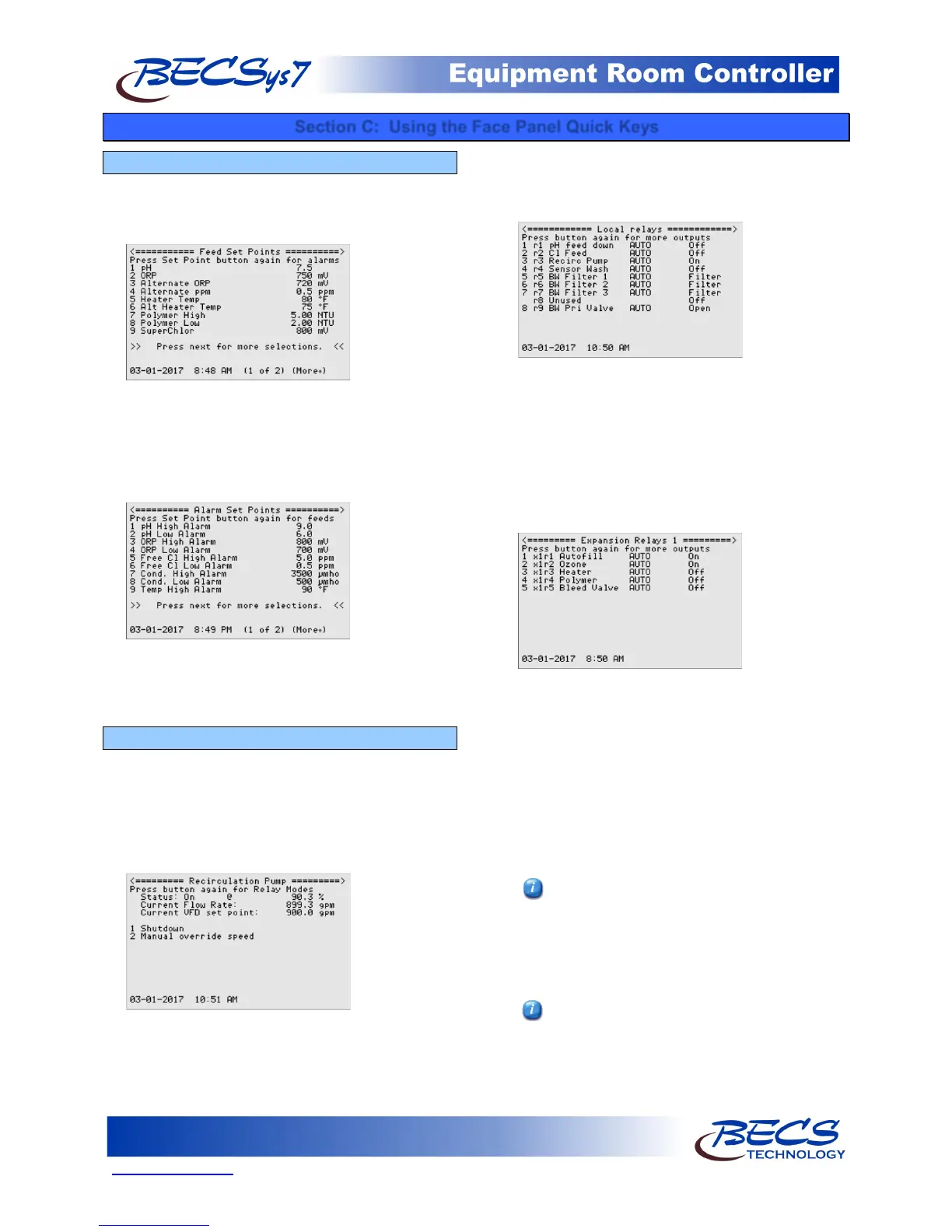
The Set Points Key on the front face panel, when
pressed, allows you to quickly change desired feed set
points for the various control outputs that are
enabled.
To change the existing feed set point, first select the
desired option, input the new value, and then press
enter.
Pressing the Set Points key a second time will display
the alarm set points for all of the enabled inputs.
To change the existing alarm set point, first select the
desired option, input the new value, and then press
enter.
C – 2: The Relay Mode Key
What you see when you press the Relay Mode key on
the front face panel the first time depends if the
recirculation pump is assigned a relay or not. If it is,
the recirculation pump menu is shown allowing you
to start and stop it, and if controlling a VFD,
manually override the speed.
Manual override speed has two options:
Manual % Out sets the VFD output at a specified
value.
Manual Flow Rate changes the VFD output to
maintain a specified flow rate.
Pressing the relay mode button again takes you to
the same screen controllers without recirculation
pump control see first, the list of local relays.
The local relays screen shows you which options
have been assigned relays, and each of the relays'
current mode (AUTO/MANUAL OFF/MANUAL
ON) and its state (Off or On).
Pressing the Relay Mode key again will cycle through
the relay expansion modules connected to the
controller (if any), showing what is assigned to those
relays and their current state.
By selecting one of the assigned relays, you are
allowed to choose between automatic, manual on or
manual off. Unused relays and the alarm relay
cannot be manually overridden, but their current
state is always displayed.
If Manual On is selected, you may be prompted to
enter how long the relay can stay in Manual On
before returning to Auto (the maximum on time is
30 minutes).
To test a relay or to prime a pump (on the
local relay screen), lock the screen while in the
main local relays menu, then press the relay's
numeric key (i.e., for relay 3, press the 3 key).
This will turn the relay on for as long as you
are pressing that key. If the relay is already
on, this will have no effect.
The Relay Expansion modules have a button
to test the relays.
If you have the controller set up to control a VFD or
if any 4-20mA recorder outs have been assigned,



 To Next Page