13
Try to pair remote
from chromecast_1
[timeout=178]
BT State
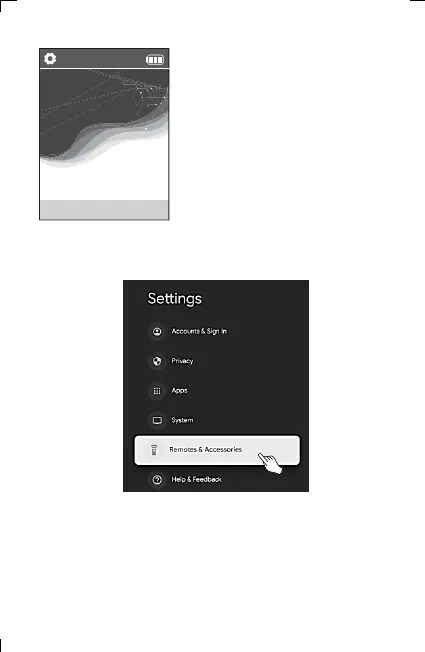
11) Select “Remote Controls & Accessories” on the Chromecast
settings screen.
9) Make sure that the pairing screen
appears as shown.
The waiting time for pairing is 3 minutes
and 30 seconds, and the pairing must be
completed within the timeout period
10) When the progress pairing screen appears, proceed with pairing in
Chromecast as well.
6. Adding and Using OTT/Bluetooth Devices OTT/Bluetooth



 To Next Page