NOTE
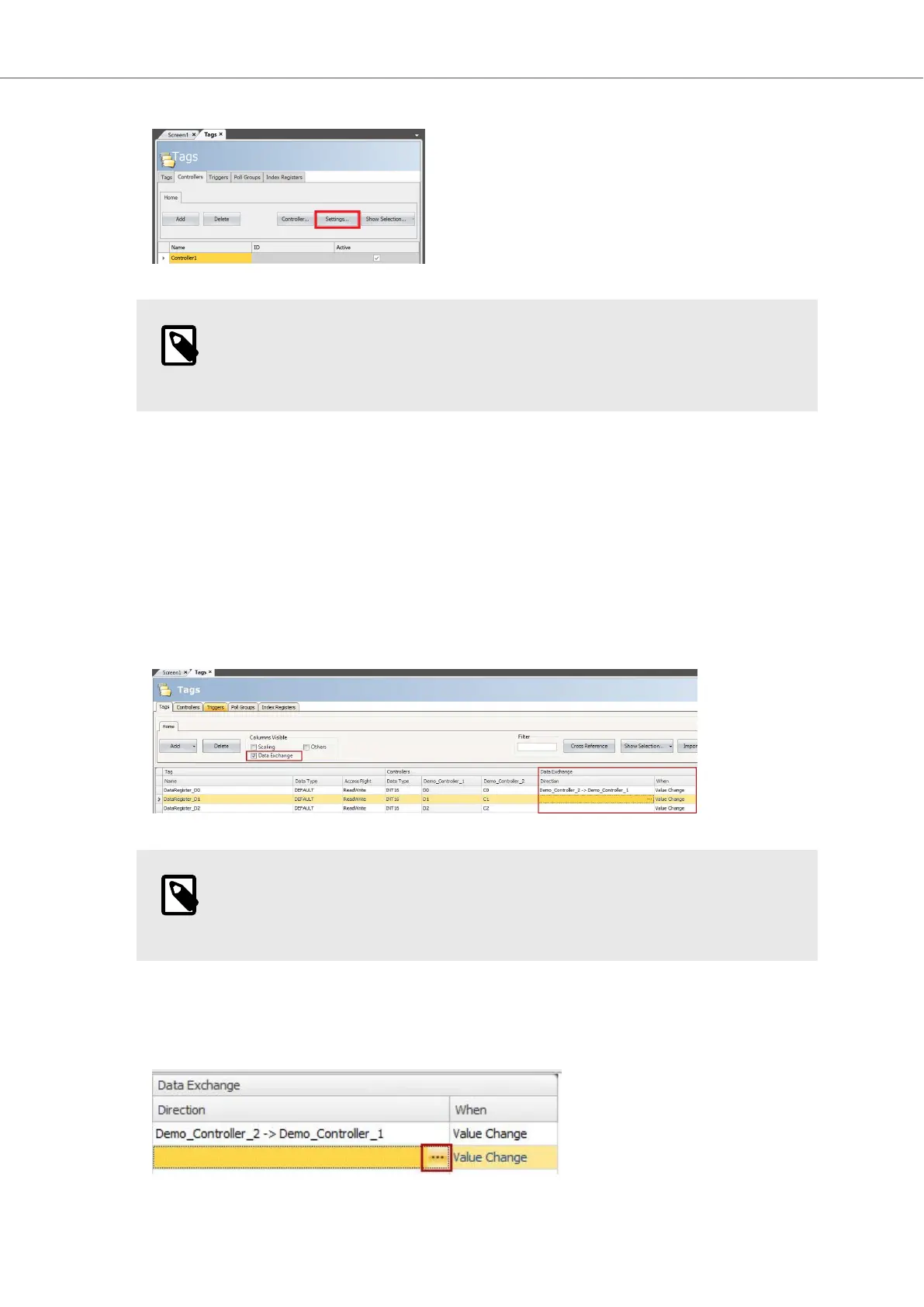
If you are unsure about Settings and Addressing, see our Drivers documentation,
accessed by clicking Help in the bottom right corner of the Settings... dialog.
6. Rename your controller by changing the name in the controllers list.
7. Click on Add and repeat steps 4 - 6 for your second controller.
5.2.2. Configure Data Exchange
To be able to configure data exchange, at least two controllers must be configured in the project
(see how this is done in the previous chapter).
In iX Developer, do the following:
1. Click on the Tags tab.
2. Check the Data Exchange checkbox under Columns Visible.
NOTE
Un-checking the checkbox will not remove your settings, it is just a visibility
filter.
3. Use the default Tag1 or add new ones. Select Data Type and add addresses for your controllers.
4. Under Data exchange > Direction, click the ... button and select how the data should be
exchanged.
Getting Started and Commonly Used Functions
2023-06 26 Beijer Electronics, MAEN363



 To Next Page