© BEKA 201 All rights reserved5!
...a product of BEKA
Now you are asked to enter the current password.
Proceed as described in „7.4.1 enter password“.
· After entering the correct password, you get into the menu „change password“.
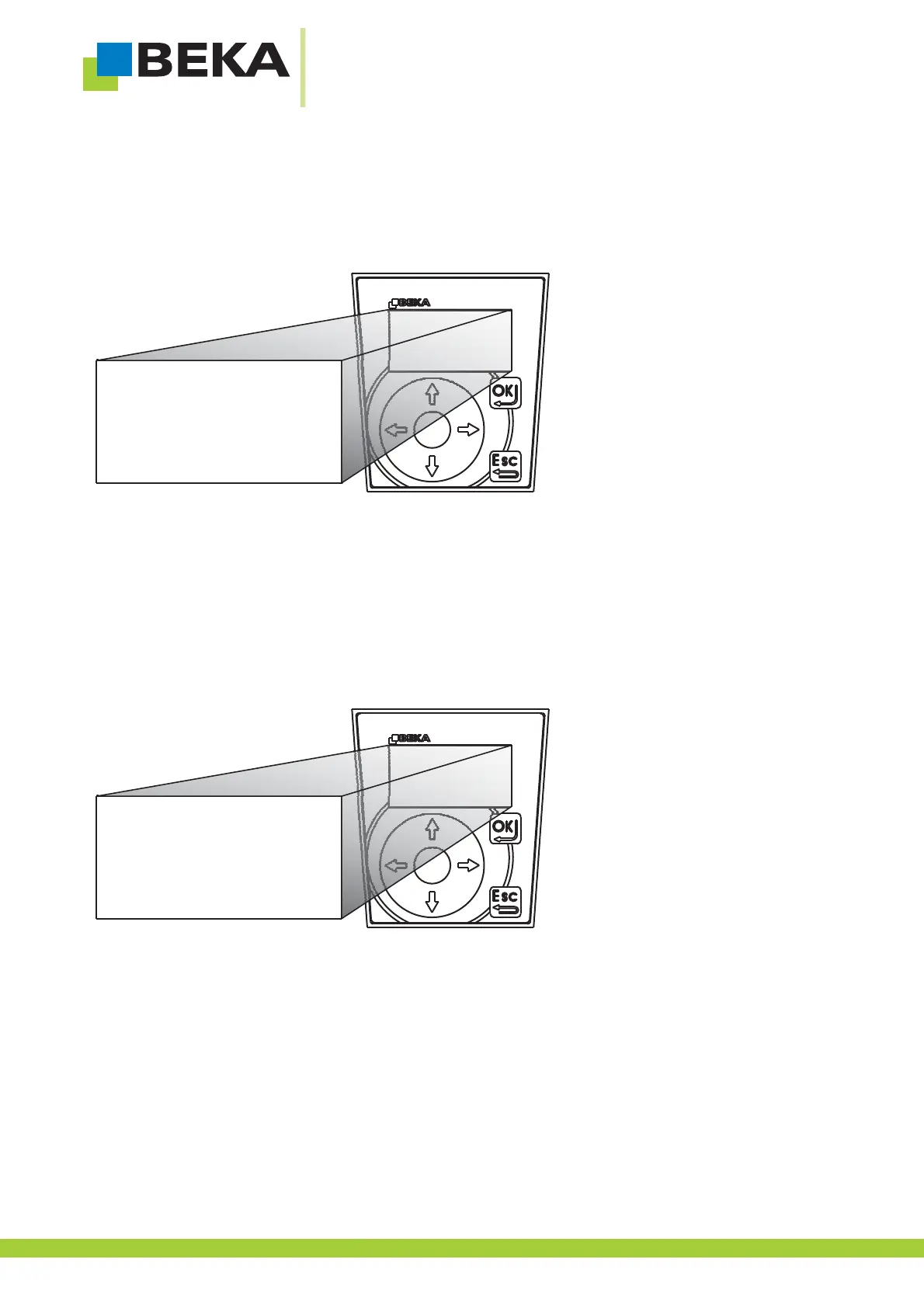
Fig. 11:
Now the display shows the current valid password in plain text.Above is the input field for the new password.
· Choose the password position you want to change by means of the control buttons.
· Use the up and down buttons to choose a number and go on for the next position.
· Confirm the new password with OK
Fig. 12:
7.4.3 Forget about password
Password can also be changed with BEKA-DiSys, also if you do not know the current valid password. Proceed as
described in operating manual of BEKA-DiSys V4.0.8.502.
1 2 3
4 5 6
7 8 9
0
password?
0
change password
XXXXXX
555556
14



 To Next Page