© BEKA 201 All rights reserved5!
...a product of BEKA
7.11.2 Set display contrast
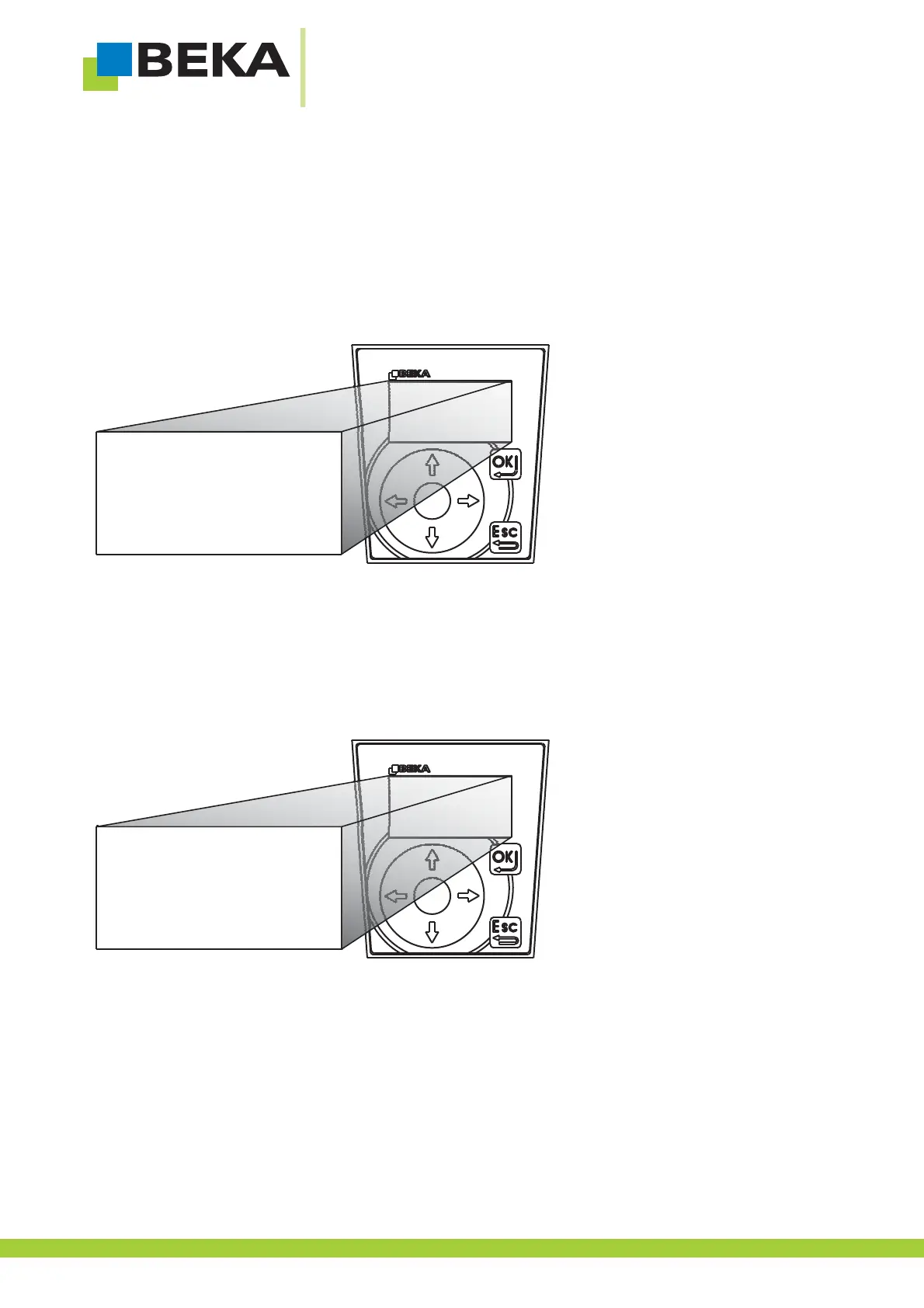
· Use the menu control buttons to choose the menu item „contrast“ and confirm by pressing OK
Now the password is asked, proceed as described in „7.4.1 enter password“.
If you forgot about your password proceed as described in „7.4.3 forget about password“.
Fig. 47:
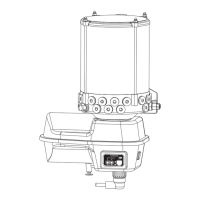
· Use the control buttons „up and down“ to choose a number and go on for the next position.
· The ismin. set value 1
· The ismax. set value 9
· After the last setting press OK to confirm the settings. If the settings shall be removed, press ESC.
Fig. 48:
*
light
contrast
language
change password
contrast
5
X
32



 To Next Page