© BEKA 201 All rights reserved5!
...a product of BEKA
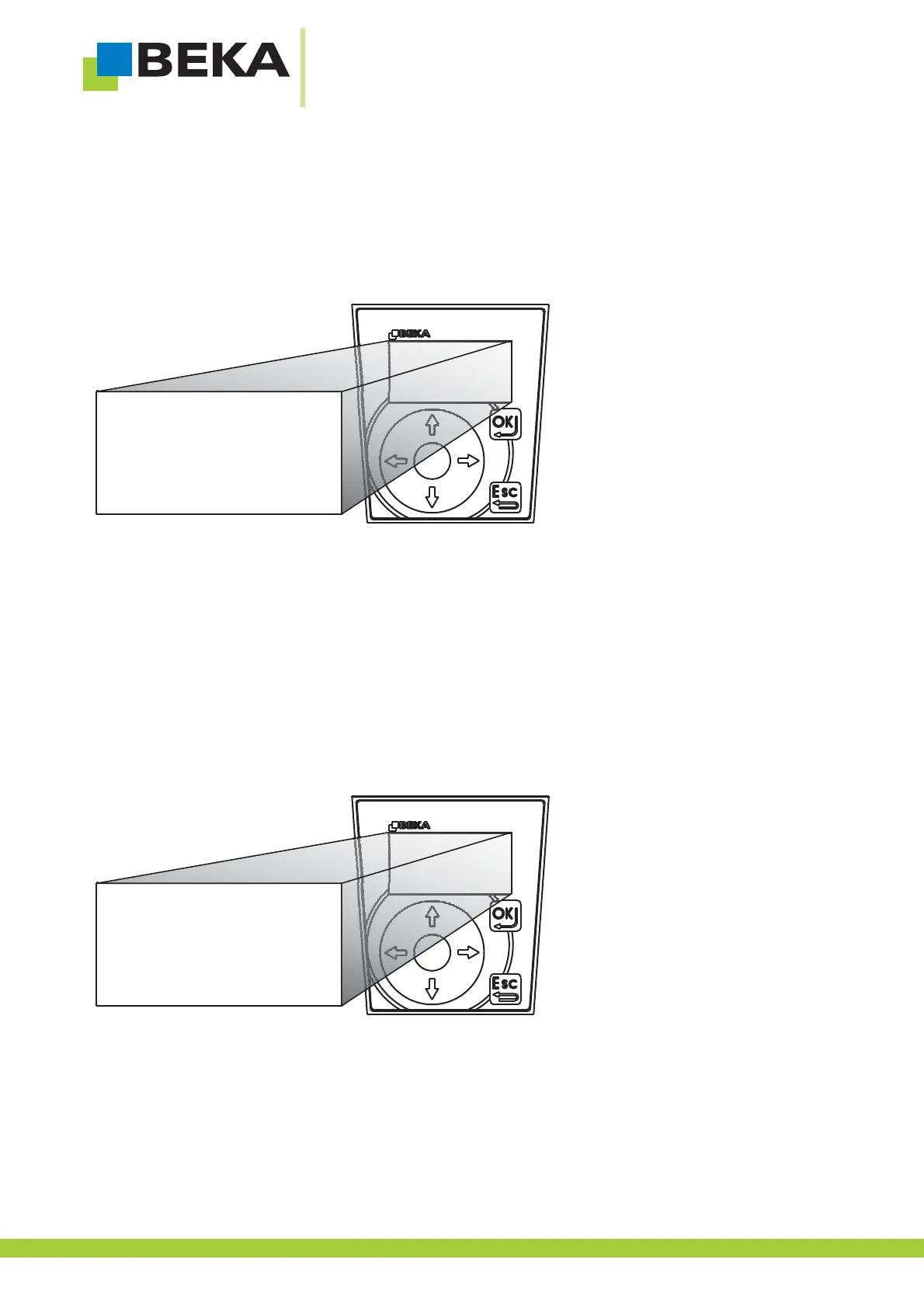
· Use the menu control buttons to choose the menu item „activation“ and confirm by pressing OK.
Now the password is asked, proceed as described in „7.4.1 enter password“.
If you forgot about your password proceed as described in „7.4.3 forget about password“.
Fig. 30:
Proceed as described in chapter „7.7Activation“.
7.9 Query of control data
The control data like type of activation, version number, serial number and manufacturing data of the integrated control
unit can be queried.
· Press OK to get into setting mode
· Press OK to get to the lower menu level
Fig. 31:
*
extended functions
switch-on behaviour
saved condition
relay function
OK signal
settings
error messages
*
26



 To Next Page