© BEKA 201 All rights reserved5!
...a product of BEKA
7.4 Enter or change password
You need a password to do settings or changes at the integrated control unit.
The default password is:
555556
7.4.1 Enter password
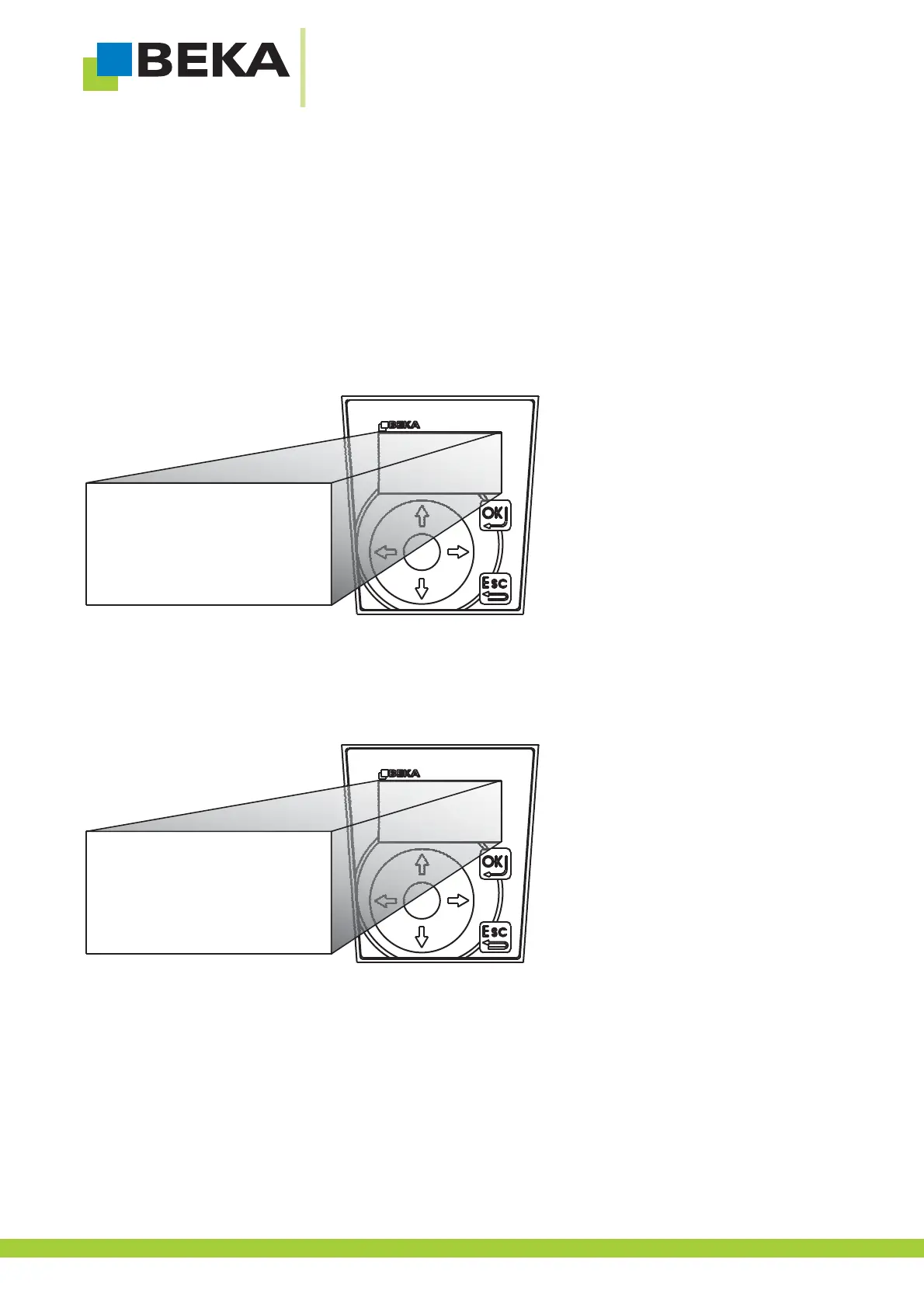
If you want to do settings, the integrated control unit requests a password.
· Choose a number by means of the control buttons and confirm with OK
· Repeat the procedure until you have to enter a 6 digit number
Fig. 6:
7.4.2 Change password
You can change the password if you want to avoid modifications of unauthorized persons.
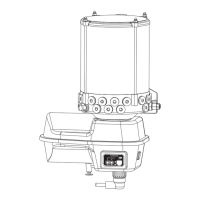
· Status display is shown. Press OK to get to setting mode.
· If error or warnings are available, press OK for a second time.
Fig. 7:
settings
error messages
*
1 2 3
4 5 6
7 8 9
0
password?
0
12



 To Next Page