© BEKA 201 All rights reserved5!
...a product of BEKA
7.8 Change activation
The activation of the pump can also be changed later.
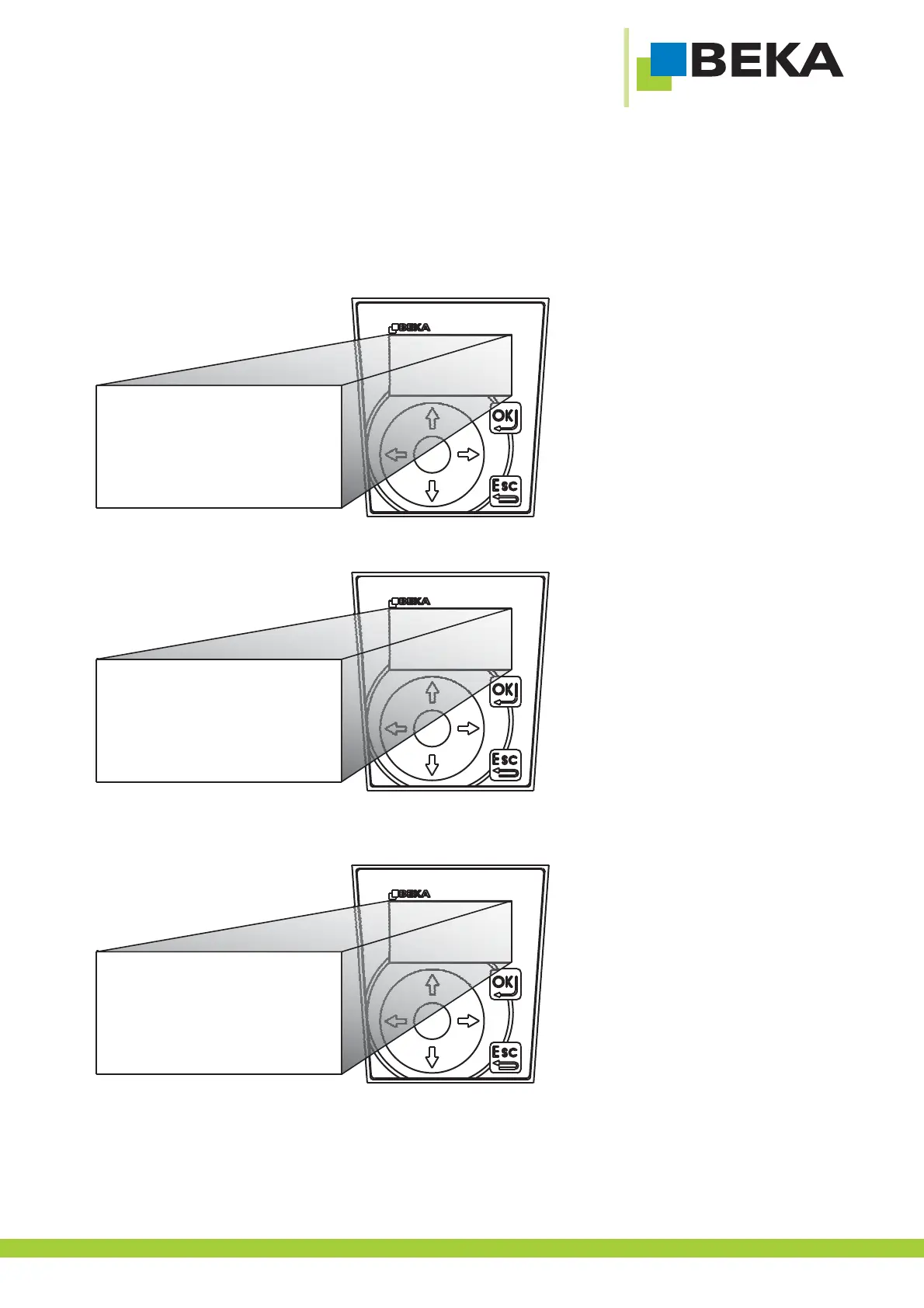
· Press OK to get into setting mode
· Press OK to get to the lower menu level
Fig. 27:
· Use the menu control buttons to choose the menu item „general“ and confirm by pressing OK.
Fig. 28:
· Use the menu control buttons to choose the menu item „enlarged funct.“ and confirm by pressing OK
Fig. 29:
settings
error messages
*
*
info
common
progressive
signals
monitoring times
fill. lvl monitor.
extended functions
*
25



 To Next Page