bell
issimo
2-72 Way Video Entry System
PD-098 Issue 4B Installation and Operating Manual Page 19 of 44
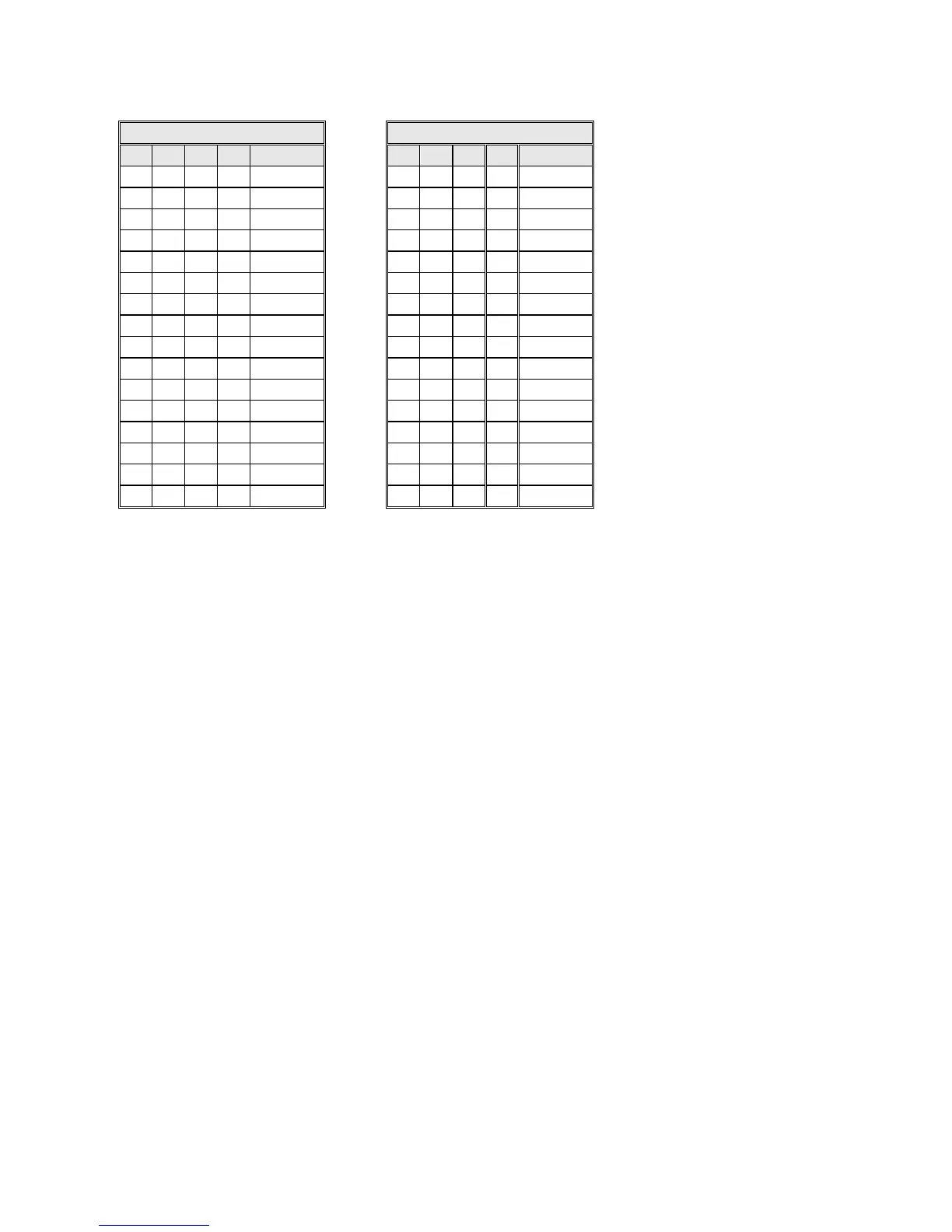
Camera Numbering DIP SW3 (1-8)
*Default setting
View Activated by User (CCTV mode)
User activation on 2-72 way system is not available.
‘Global View’ at Multiple Entrances
For information on this feature consult Bell System (Telephones) Ltd. technical department
at the number shown on the last page.
BSD8/72 Door Controller Jumper Settings
Camera Terminator
There is a separate jumper for both video Camera inputs. This has three settings, 75R for
terminating coaxial cable, 100R for terminating twisted pair Cat5 cable and None for use
when passing the cable on to another device or controller.
Video Gain Control
The “Video Gain” jumper on door controllers should always be set to “0” unless directed by
‘Bell System Technical Support’. This jumper is only required on some systems with very
long camera to videophone cable runs well in excess of 150m. Inappropriate use of this
jumper with short runs will cause picture problems.
Reassurance tones
DDA reassurance tones are activated by placing a jumper between pins 1 & 2 of the
“Prog” 5 pin header on the BSD8/BSD72 controller PCB (see diagram on page 30), the
jumper is stored between pins 4 & 5. Once activated the speaker in the door panel will
ring with the videophone and buzz when the lock is opened from the videophone.


 To Next Page