10
3. Using this Digital Camera
Powering the Digital Camera On and Off
1. Press the POWER button to power the camera on and press it again to
power the digital camera off.
To save battery power, you can change the power-off time by setting the
function [Auto Power Off] in the Setup menu.
Change the Recording Mode
There are three modes for selection.
1: Press the POWER button to power the digital camera on.
2: Press the Down/Mode button to change the mode. Each time the
Down/Mode button is pressed the mode icon is changed.
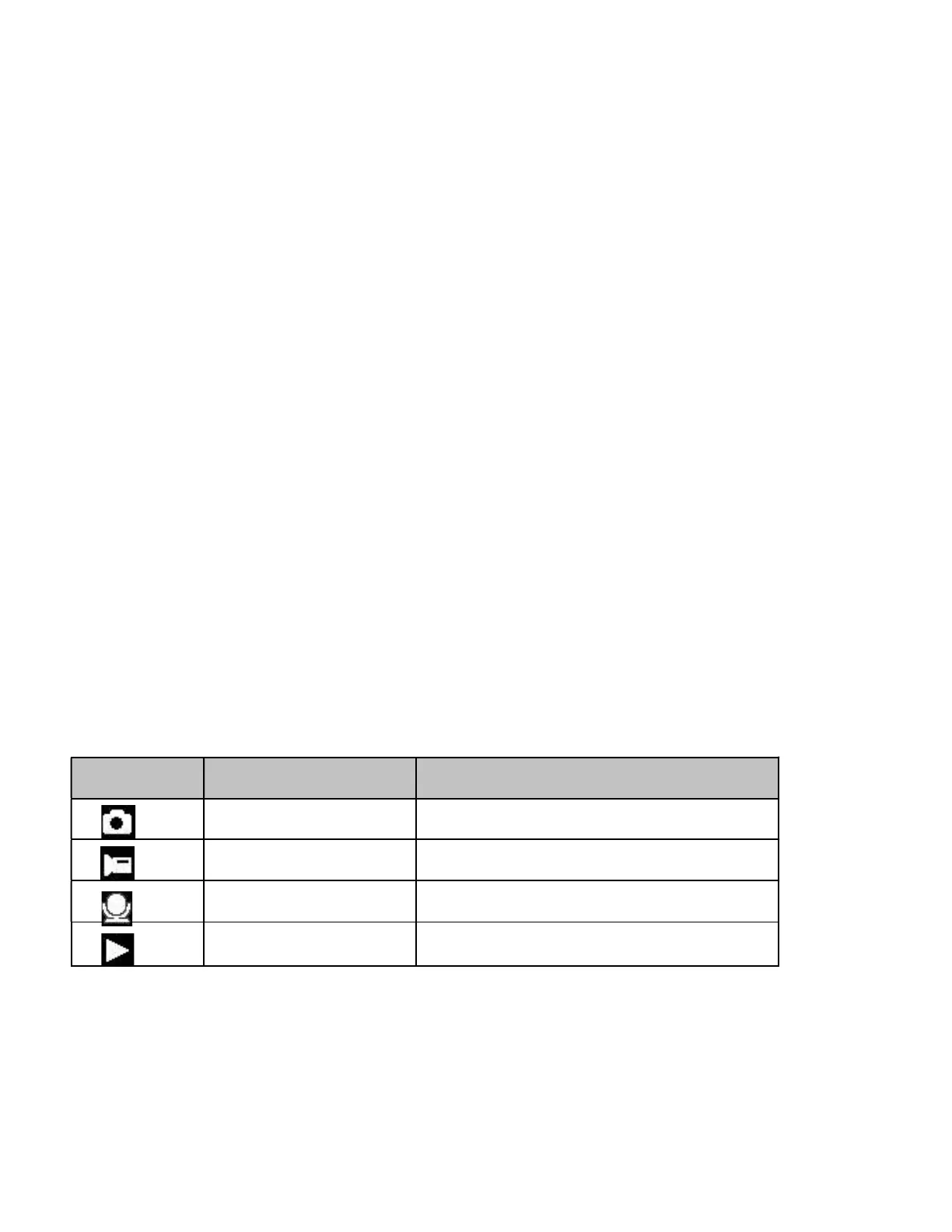
Display Title Description
Capture mode For taking still photos.
Video mode For recording movie clips.
Audio mode For recording audio files.
Playback mode For previewing record files.


 To Next Page