12
Using the Self-timer
Use the self-timer to set a delay from the time the shutter button is pressed
to the time the image is taken.
1: Turn the power on, and set the digital camera to the Capture mode.
2: Press the LEFT/SELF-TIMER button to change the self-timer mode.
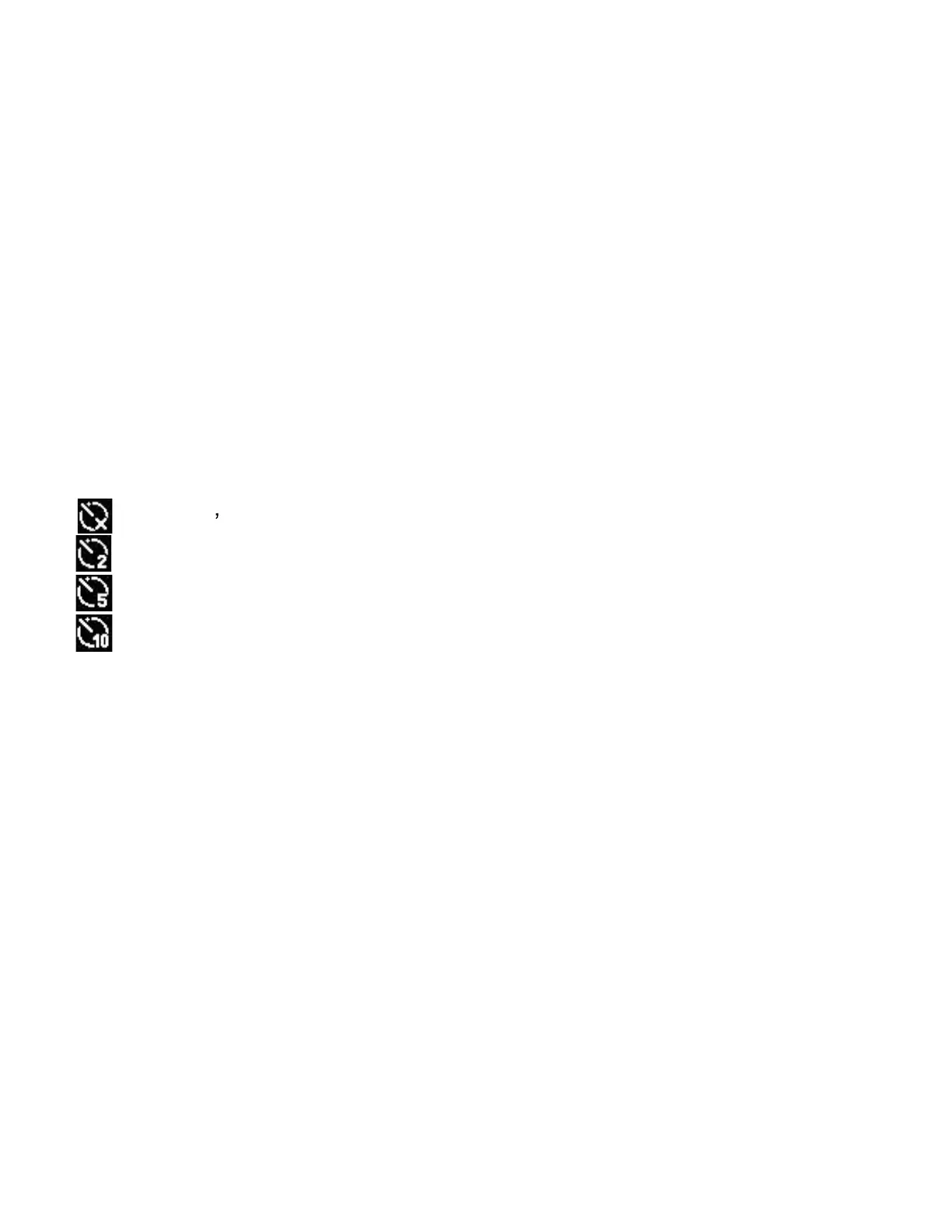
Each time the LEFT/SELF-TIMER button is pressed the self-timer icon
changes.
Off: Don t use self-timer.
2 Seconds: The shutter release will delay for 2 seconds.
5 Seconds: The shutter release will delay for 5 seconds.
10 Seconds: The shutter release will delay for 10 seconds.
3: Press the SHUTTER button to take a picture.
4: After Self-timer begins, the self-timer LED will flash until count down is
completed.
Using the Flash
The flash is not only for taking pictures when there is insufficient light, but
also for when the subject is in shade or with back light conditions. Pressing
the RIGHT/FLASH button cycles your camera through the various flash


 To Next Page