17
Connecting the Digital camera to a PC with the USB Cable
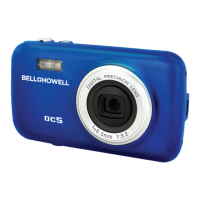
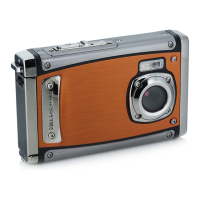
1: Connect the supplied USB cable to the computer's USB port and turn on
the digital camera. MSDC appears on the screen when
connection to the computer has been successfully completed.
2: Open [My Computer] or [Windows Explorer]. A "Removable Disk"
appears in the drive list. Double-click the "Removable Disk" icon to view
its contents. Files stored on the camera are located in the folder named
"DCIM".
3: Copy the photos or files to your computer.
Note: To enter PC CAM mode, hold and press the shutter button for a few
seconds, then connect the digital camera to the computer with the supplied
USB cable. "PC CAM" will appear on the screen. If not, please
continue to press the shutter button and press the power button until "PC
CAM" appears on the screen.
6. Software Installation
Installing the Software
Insert the accessary CD into your CD-ROM drive. The computer will pop up


 To Next Page