7
4: Disconnect the camera.
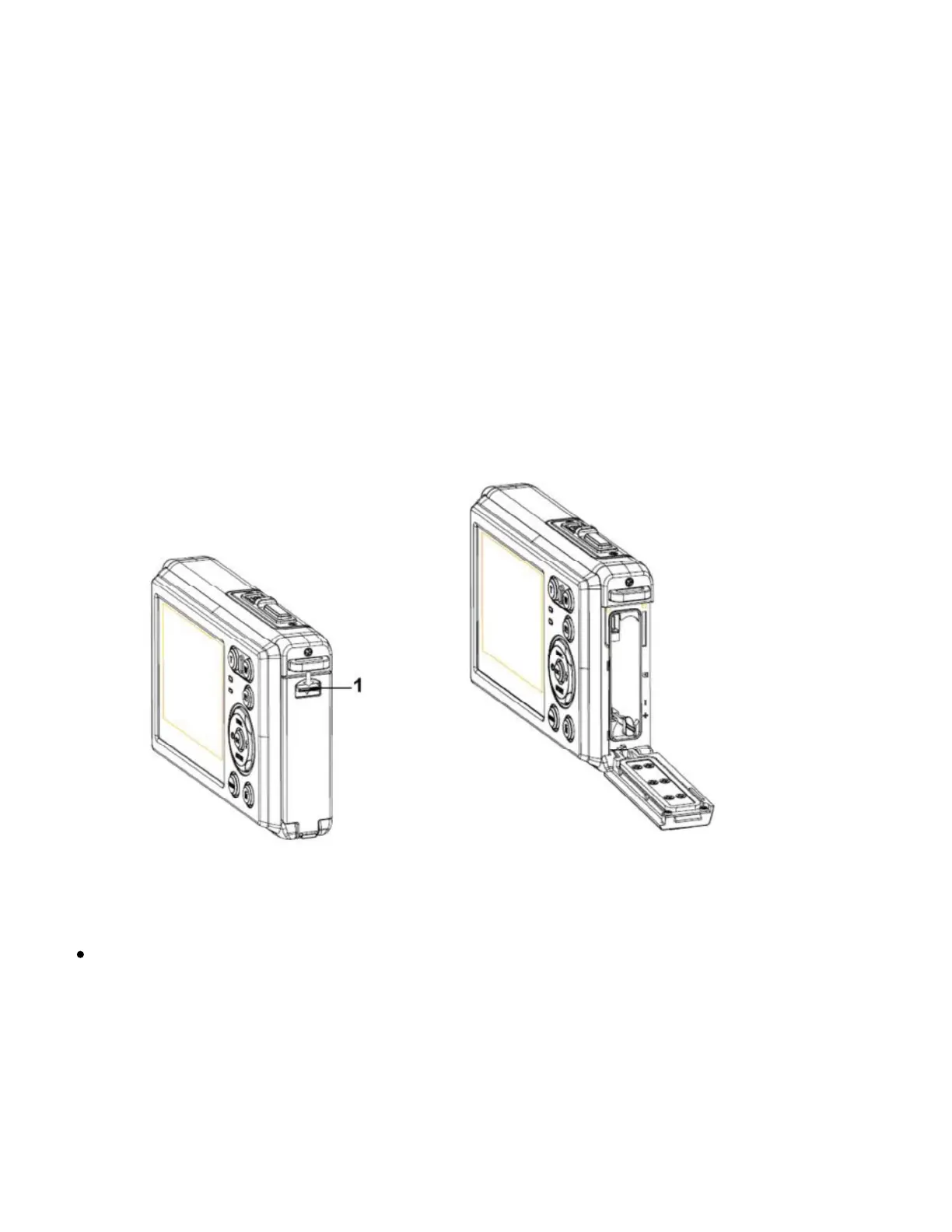
Inserting the Memory Card
1: Power off the digital camera.
2: Push the lock button (1) down to open the battery cover to reveal the
memory card slot.
3: Insert the memory card into the card slot with the label against the LCD
screen. Confirm the correct direction before inserting the memory card.
To release the memory card, open the battery cover and then
press the edge of the card gently. The card will pop out.


 To Next Page