16
Viewing Thumbnails (Summary of Media on Memory Card)
Press the W button in playback mode to view the file in thumbnails mode.
Use the LEFT/RIGHT/ UP/DOWN buttons to select a file. Press the OK
button to view the file in full screen.
5. Making Connections
Connecting the Digital Camera to a PC
There are two ways to download files from the digital camera's internal
memory or memory card to a computer:
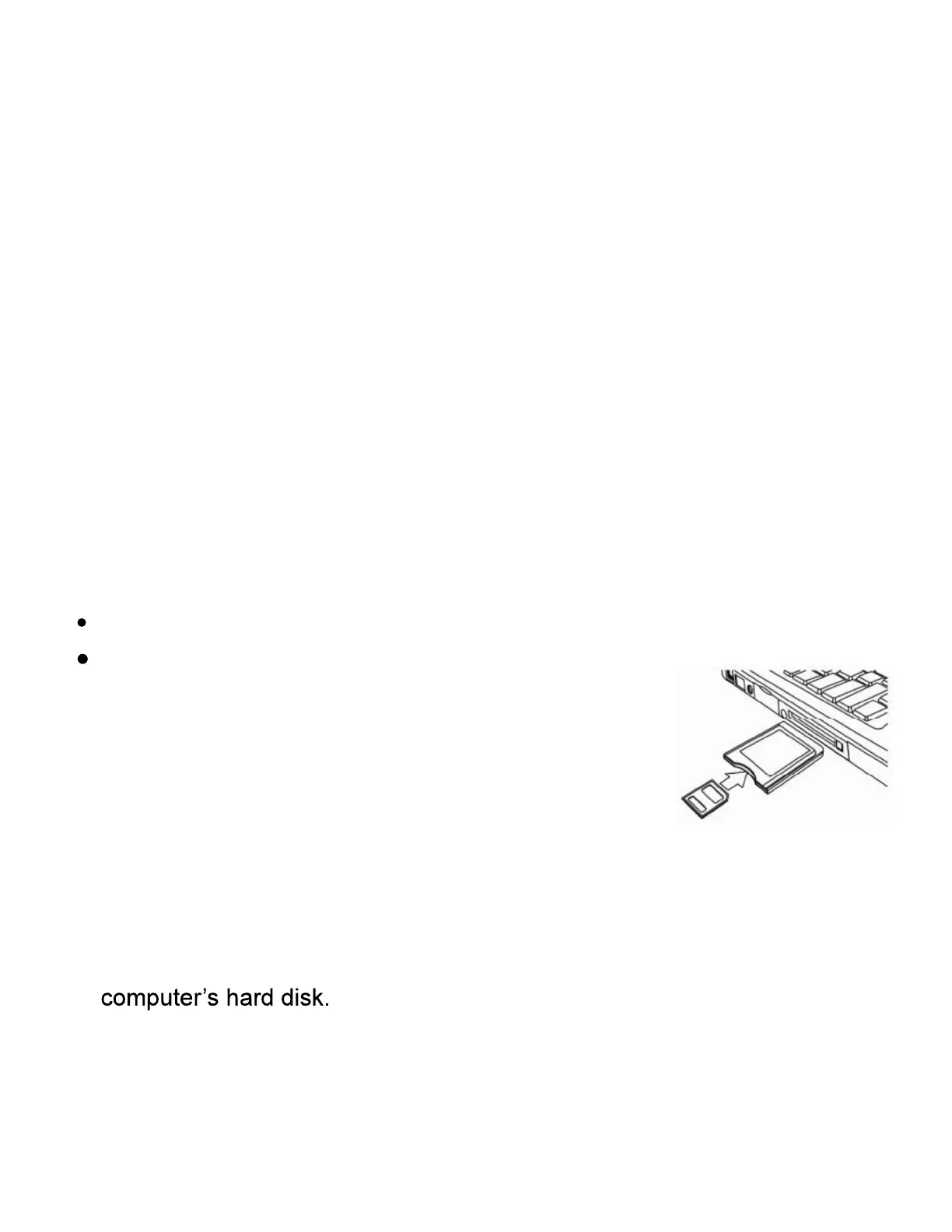
By inserting the memory card into a card reader (not included)
By connecting the camera to a computer using
the supplied USB cable.
Using a Card Reader (not included)
1: Eject the memory card from the digital camera and
insert it into a card reader that is connected to a
computer.
2: Open [My Computer] or [Windows Explorer] and double-click the
Removable Disk icon that represents the memory card.
3: Copy images from the card into a directory of your choice on the


 To Next Page