13
modes. The flash will not activate during continuous shooting or movie
recording.
1: Set the digital camera to the Capture mode.
2: Press the RIGHT/FLASH button to change the flash mode.
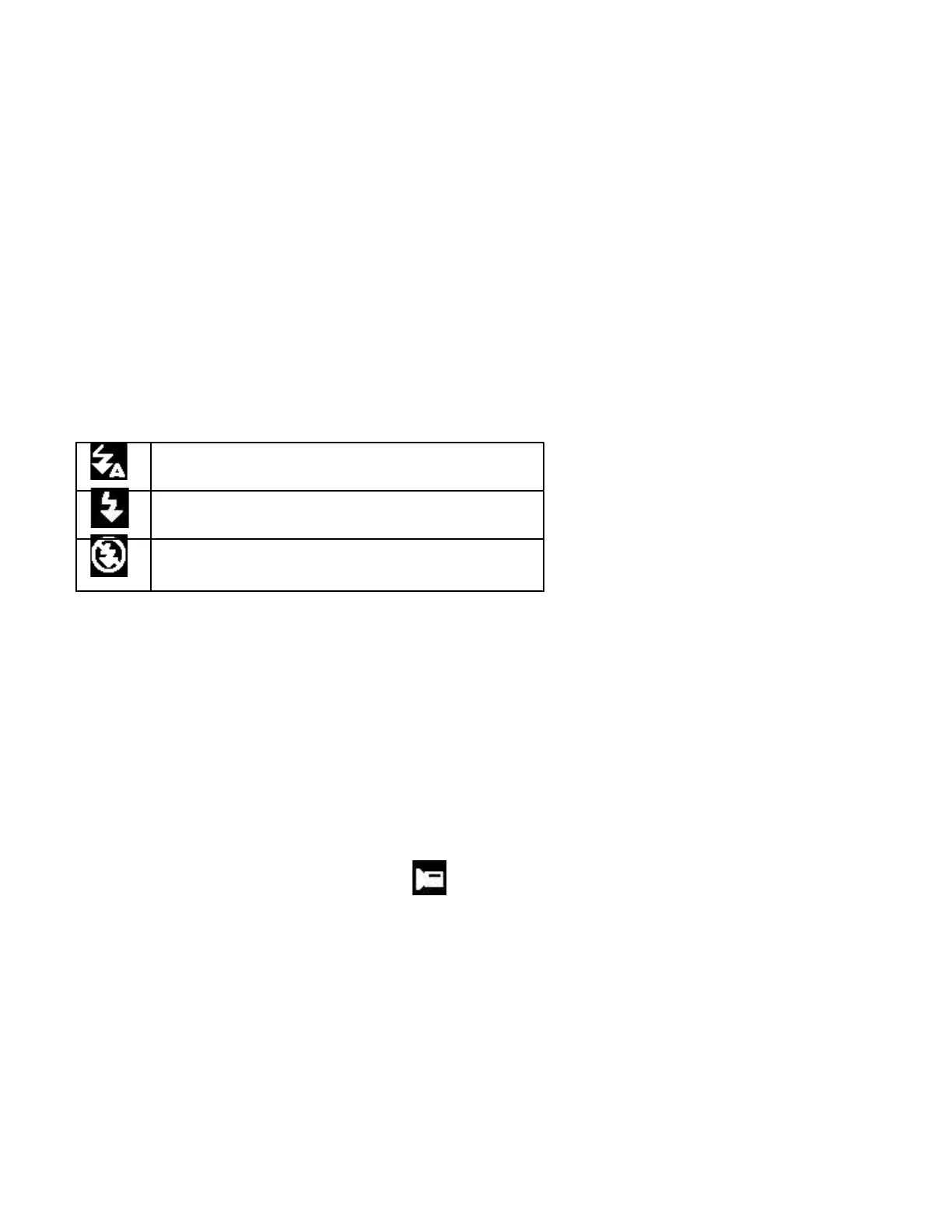
Each time the flash button is pressed, the flash icon changes.
Auto: Automatically turn on/of
Flash on: Force on the flash
Flash off: Force off the flash
3: Press the SHUTTER button to take a picture.
Note:
When the battery power is low, the flash strobe will not function.
Recording a Video Clip
1: Power on the digital camera and press the DOWN/MODE button to set
the camera to video record mode.
2: Zooming: Press the T or W button to zoom in or zoom out the screen.
The value of magnification level appears on the LCD monitor.
3: Press the SHUTTER button to start recording.


 To Next Page