6
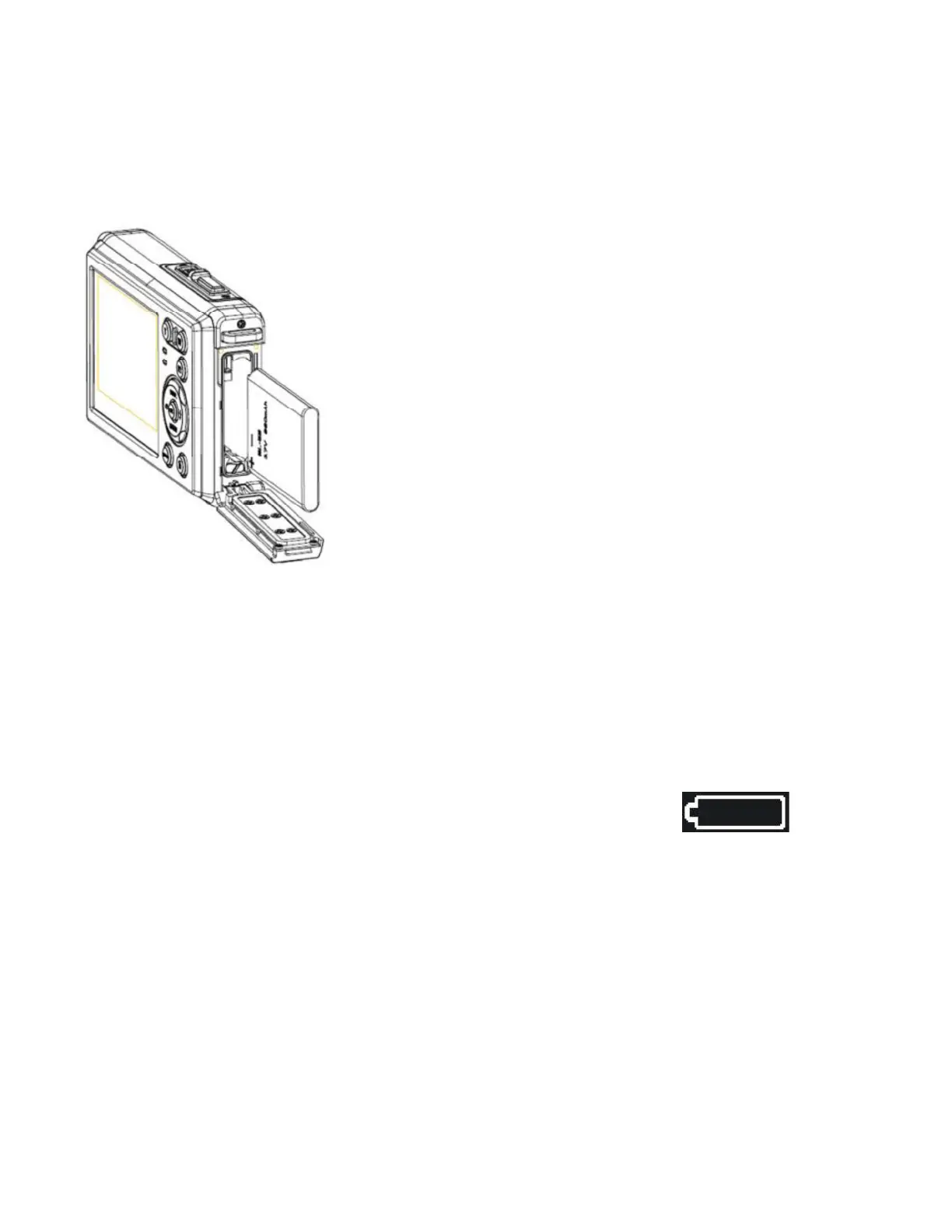
3: After the battery is properly installed, replace the battery cover until an
audible click is heard.
Charging the Battery
Please charge the battery when the indicator shows the icon.
1: Power OFF; connect the AC-adapter to the camera USB-port.
2: Plug the AC-adapter to the electrical outlet.
3: Charging begins when charge indicator LED illuminates red. The charge
indicator light turns OFF when charging is completed.


 To Next Page