18
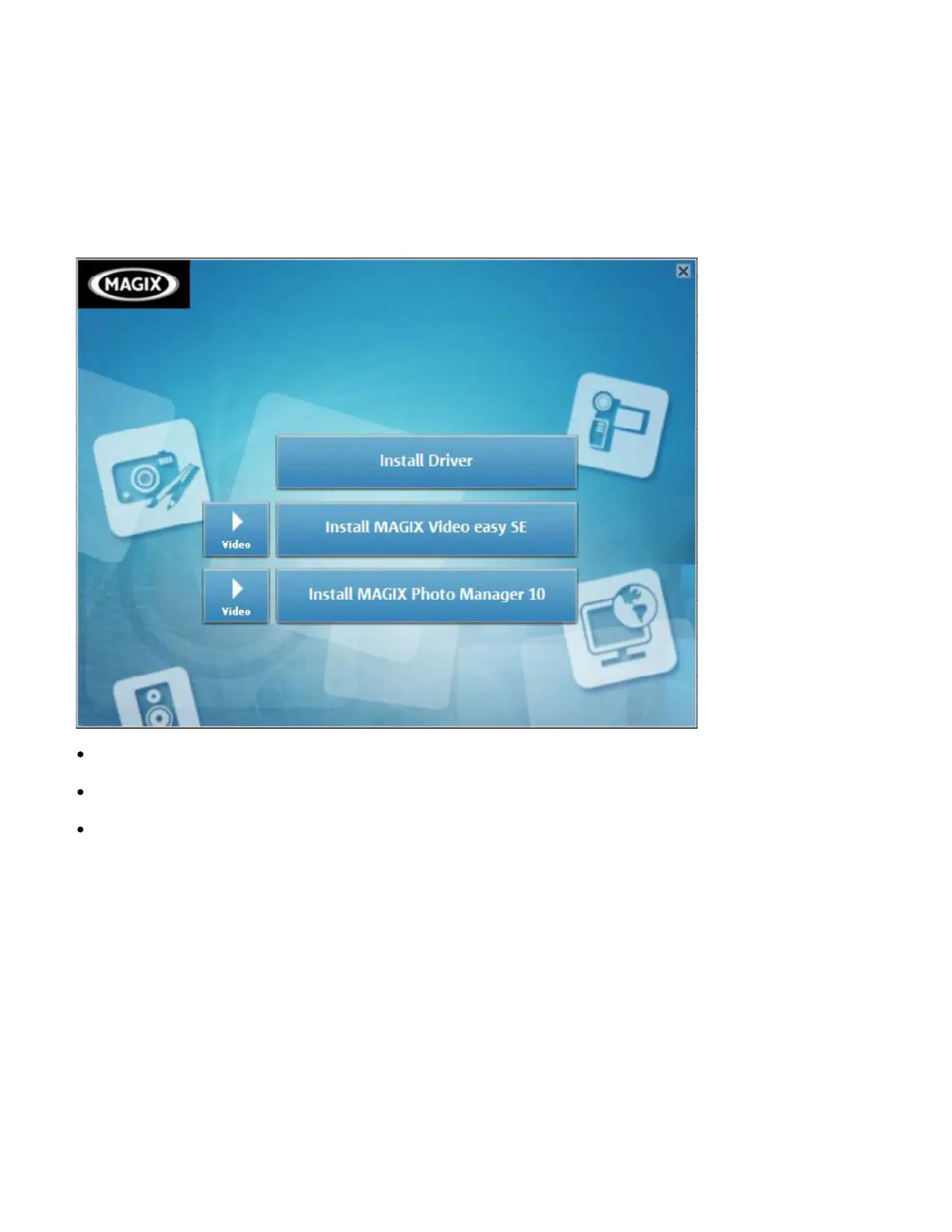
the installation menu as below.
Install Driver
Install MAGIX Video easy SE- Install software for editing video clips.
Install MAGIX Photo Manager 10 - Install software for editing pictures.
Click the items in the Autorun menu to install the software.
If the Autorun menu does not appear automatically, open the CD-ROM in
[My Computer] or [Windows Explorer] and then double-click the file named
[start.exe] to start the program. You can also click [Run] in the Windows


 To Next Page