You can also select conventional
Highway and City modes.
When
driving in
urban areas
where
annoying X-band
intrusion alanns and door openers are
common, City
mode
can
be
engaged to
lowerX-band sensitivity
and
reduce X-band
alerts. Full sensitivity
is
maintained
on
all
other
bands. You can customize RX65's City
mode
sensitivity. See
the
Programming
section for details.
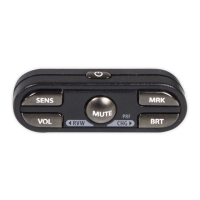
Brightness
Button
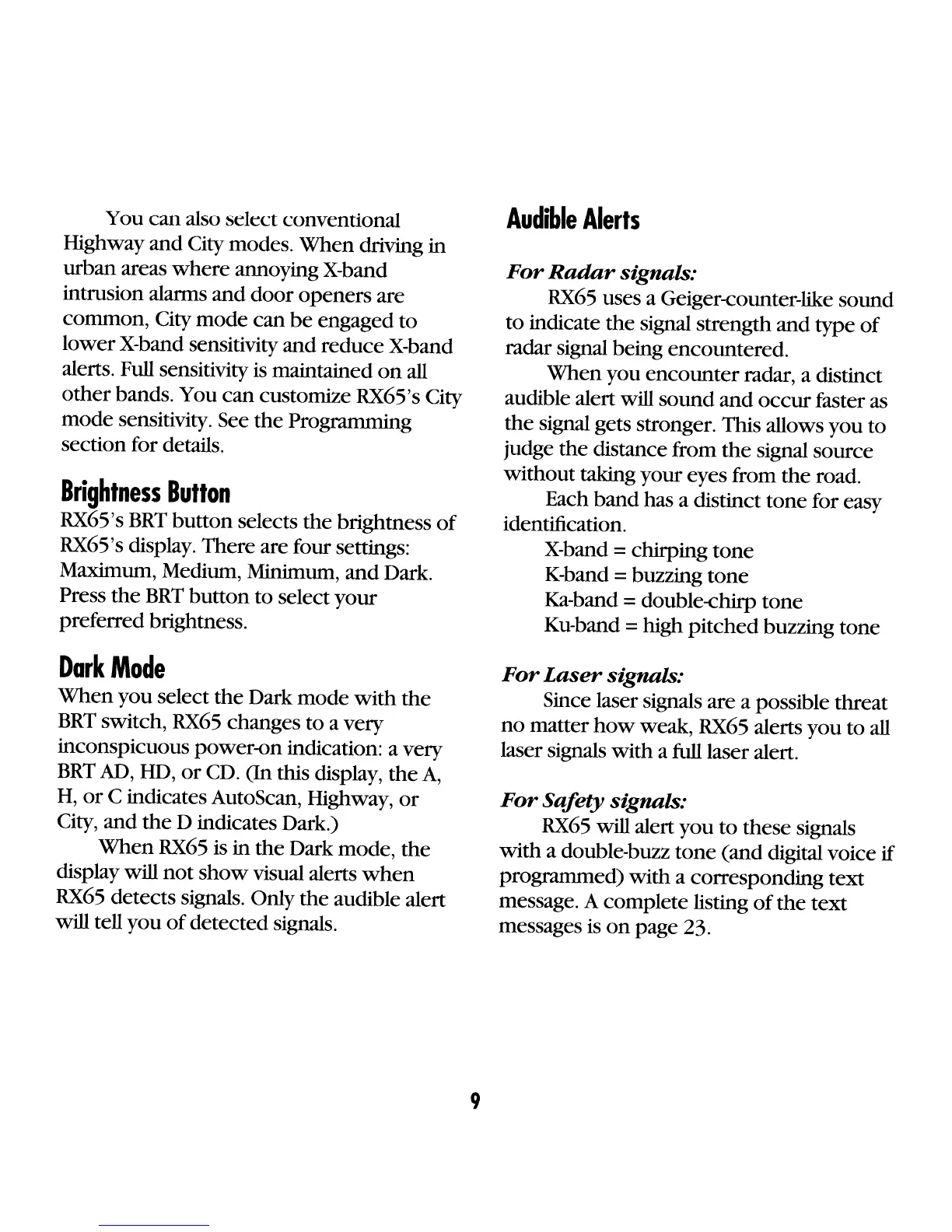
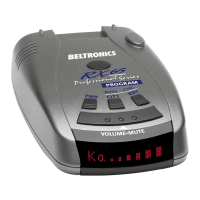
RX65's
BRT
button
selects
the
brightness
of
RX65's display. There are four settings:
Maximum, Medium, Minimum,
and
Dark.
Press
the
BRT
button
to select
your
preferred brightness.
Dark
Mode
When
you
select
the
Dark mode
with
the
BRT
switch,
RX65
changes to a very
inconspicuous power-on indication: a very
BRT
AD,
HD,
or
CD.
(In
this display,
the
A,
H,
or
C indicates AutoScan, Highway,
or
City, and
the
D indicates Dark.)
When
RX65
is in
the
Dark mode,
the
display will
not
show
visual alerts
when
RX65
detects signals. Only the audible alert
will tell
you
of
detected signals.
9
Audible
Alerts
For
Radar
signals:
RX65
uses a Geiger-eounter-like sound
to
indicate
the
signal strength and type
of
radar signal being encountered.
When
you
encounter
radar, a distinct
audible alert will sound
and
occur
faster as
the
signal gets stronger. This allows
you
to
judge
the
distance from
the
signal source
without taking your eyes from
the
road.
Each
band
has a distinct tone for easy
identification.
X-band
= chirping
tone
K-band =buzzing
tone
Ka-band = double-ehirp
tone
Ku-band =high
pitched
buzzing tone
For
Laser
signals:
Since laser signals are a possible threat
no
matter
how
weak,
RX65
alerts
you
to
all
laser signals
with
a full laser alert.
For
Safety
signals:
RX65
will alert
you
to
these signals
with
a double-buzz
tone
(and digital voice
if
programmed)
with
a corresponding text
message. A complete listing
of
the
text
messages
is
on
page 23.









 To Next Page