
 Need help?
Do you have a question about the Beltronics RX 65 and is the answer not in the manual?
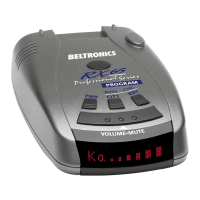
Highlights advanced radar, laser, and safety detector capabilities.
Step-by-step guide to enter, review, and change settings.
Details on how to navigate and change settings for various features.
Simple steps to plug in, mount, and turn on the RX65.
Instructions for connecting the power cord to the detector and vehicle.
Guidance on optimal placement for detection performance and safety.
How to attach and adjust the windshield mounting bracket.
Explanation of Highway/AutoScan/City modes and volume/mute button.
Details about the power jack, coiled SmartPlug, and optional direct-wire plug.
Explains the advanced display that tracks multiple radar signals and their strength.
Describes the mode that shows the actual numeric frequency of radar signals.
Detailed step-by-step guide to program the device settings.
A practical example demonstrating the programming process for AutoMute.
Addresses issues like false alerts, no sensitivity, and display problems.
Steps for obtaining service and information on out-of-warranty repairs.
Details of the product's one-year limited warranty coverage.
 General
| Brand | Beltronics |
|---|---|
| Model | RX 65 |
| Category | Radar Detector |
| Language | English |









 To Next Page