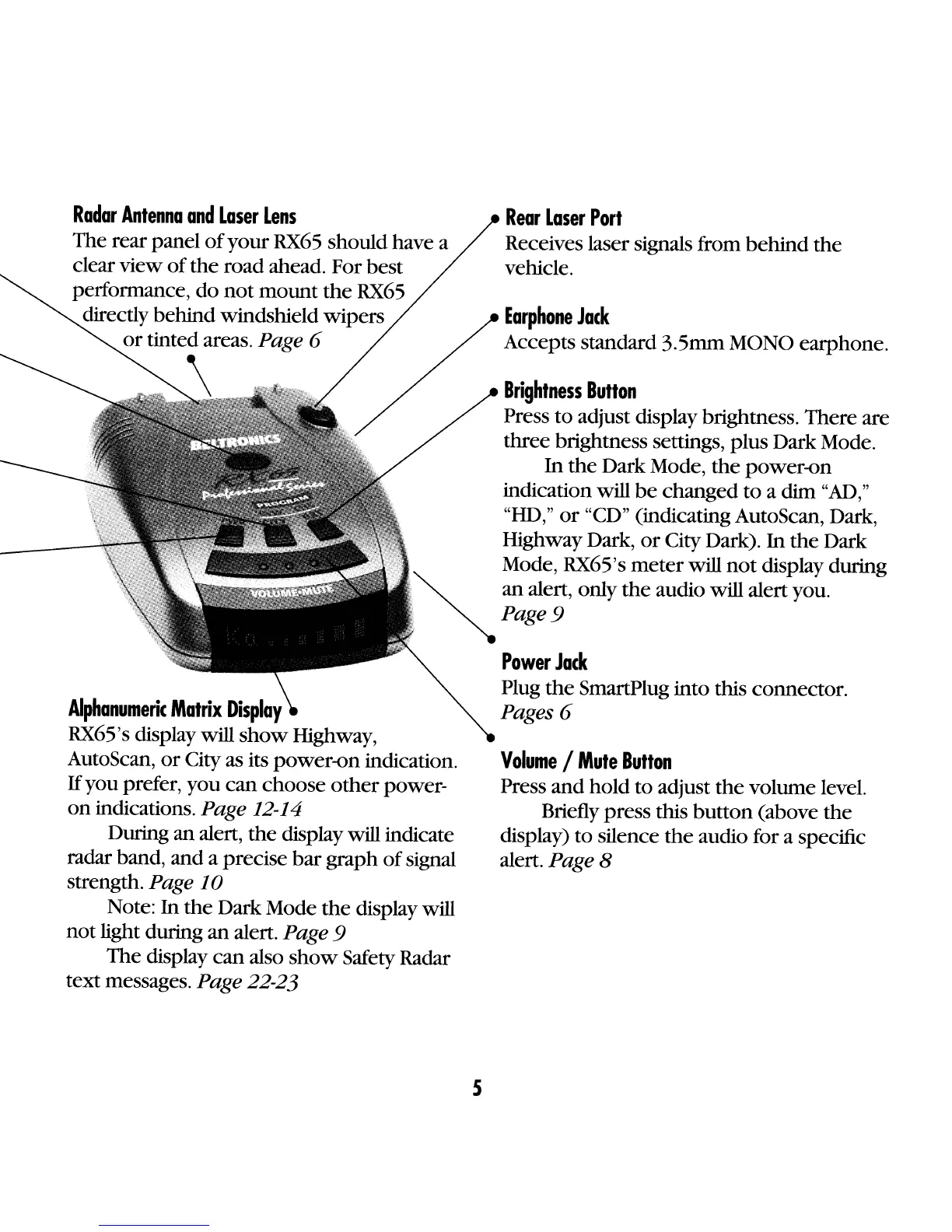
Rear
Laser
Port
Receives laser signals from
behind
the
vehicle.
Earphone
Jack
Accepts standard 3.5mm MONO earphone.
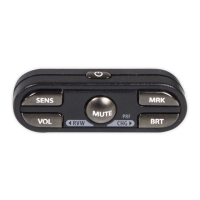
Volume
/
Mute
Bulton
Press
and
hold to adjust
the
volume level.
Briefly press this
button
(above
the
display)
to
silence
the
audio for a specific
alert.
Page 8
Brightness
Bulton
Press
to
adjust display brightness. There are
three brightness settings, plus Dark Mode.
In
the
Dark Mode,
the
power-on
indication will
be
changed
to
a dim
"AD,"
"HD"
or
"CD" (indicating AutoScan Dark
, , ,
, Highway Dark,
or
City Dark).
In
the
Dark
, Mode, RX65's
meter
will
not
display during
'"
~
an alert, only
the
audio will alertyou.
'.
Page 9
"
.,
Power
Jack
Plug
the
SmartPlug into this connector.
Pages 6
Radar
Antenna
and
Laser
Lens
The rear panel
of
your
RX65
should have a
clear view
of
the
road ahead. For best
performance,
do
not
mount
the
RX65
directly behind windshield wipers
or
tinted areas. Page 6
\
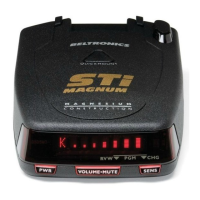
Alphanumeric
Matrix
Display
RX65's display will
show
Highway,
AutoScan,
or
City as its power-on indication.
If
you prefer, you
can
choose
other
power-
on
indications. Page 12-14
During an alert,
the
display will indicate
radar band, and a precise
bar
graph
of
signal
strength.
Page
10
Note:
In
the
Dark Mode
the
display will
not
light during
an
alert. Page 9
The display
can
also
show
Safety Radar
text messages.
Page 22-23
5










 To Next Page