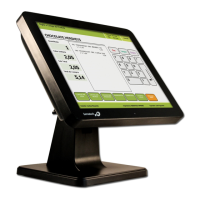
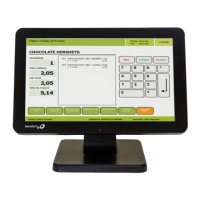
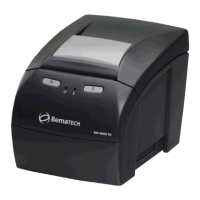
Need help?
Do you have a question about the Bematech SB9015F and is the answer not in the manual?
Provides essential safety guidelines for operating the POS terminal.
Details the external I/O connectors located on the rear panel of the terminal.
Explains the pin-out and operation of the cash drawer port.
Step-by-step guide for installing the touch screen driver software.
Diagnoses and resolves issues related to the terminal failing to power on.
Addresses problems with the terminal frequently restarting or shutting down.
Troubleshoots scenarios where the touch screen input is not detected.
 General
| Brand | Bematech |
|---|---|
| Model | SB9015F |
| Category | Touch terminals |
| Language | English |

 To Next Page