Need help?
Do you have a question about the Bematech SB9095 and is the answer not in the manual?
Crucial safety guidelines for operating the POS terminal to prevent hazards and ensure safe usage.
Details how to access and modify BIOS settings for system configuration.
Step-by-step instructions for installing the touch screen driver.
Provides solutions for issues where the terminal fails to start up properly.
Offers fixes for unexpected reboots or shutdowns of the terminal.
Steps to resolve issues when the touch screen input is not detected.
 General
| Brand | Bematech |
|---|---|
| Model | SB9095 |
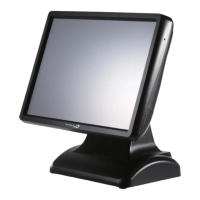
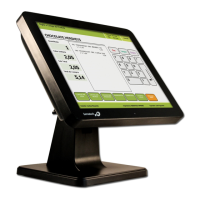
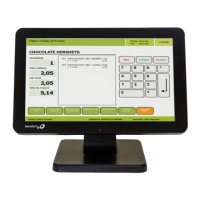
| Type | Touch Terminal |
| Operating System | Linux |
| Connectivity | USB |


 To Next Page