19
4.5 Touch screen driver installation
For resistive touch version of SB9095, follow the driver installation and
calibration steps below. For PCAP touch version, no driver installation and
calibration is required.
4.5.1 Navigate to the installer directory to find the setup.exe file. Double-click on
“setup.exe” to start installation.
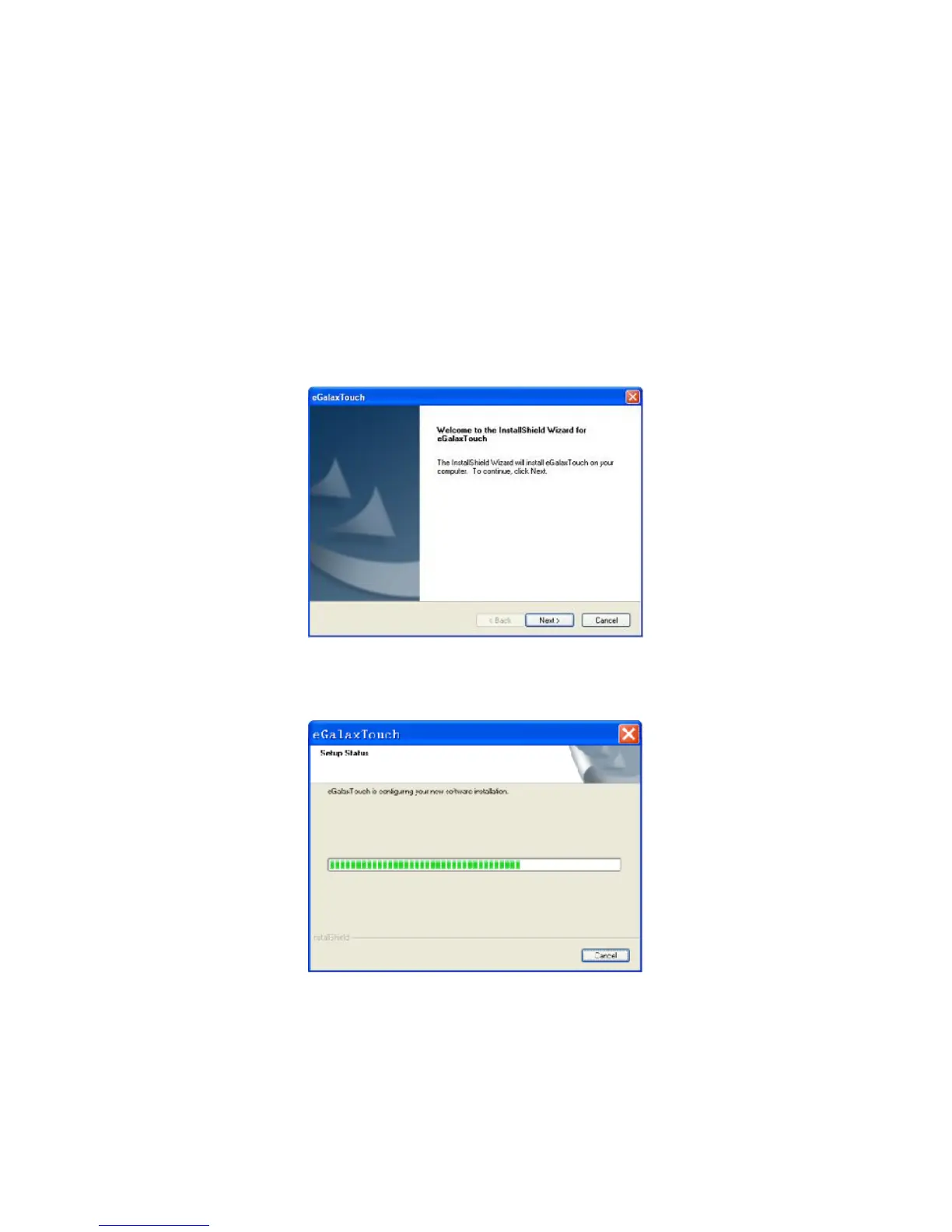
4.5.2 When installation starts, click [Next] to proceed to the next step.
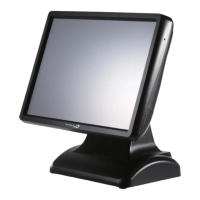
4.5.3 Installation in progress



 To Next Page