37Bend-Tech Dragon A150
Troubleshooting Guide
Marker
06
06
Marker
Marker
The Marker on the Dragon A150 is held in a weighted Marker holder that operates via gravity.
The weight of the holder pushes the marker down on the material to place markings. Bend-
Marker holder. Bend-Tech recommends wrapping a piece of duct tape or similar tape around
the marker to help hold it in the Marker holder. Ensure the Marker holder is clean. Keep it
lubricated with a coating of light oil.
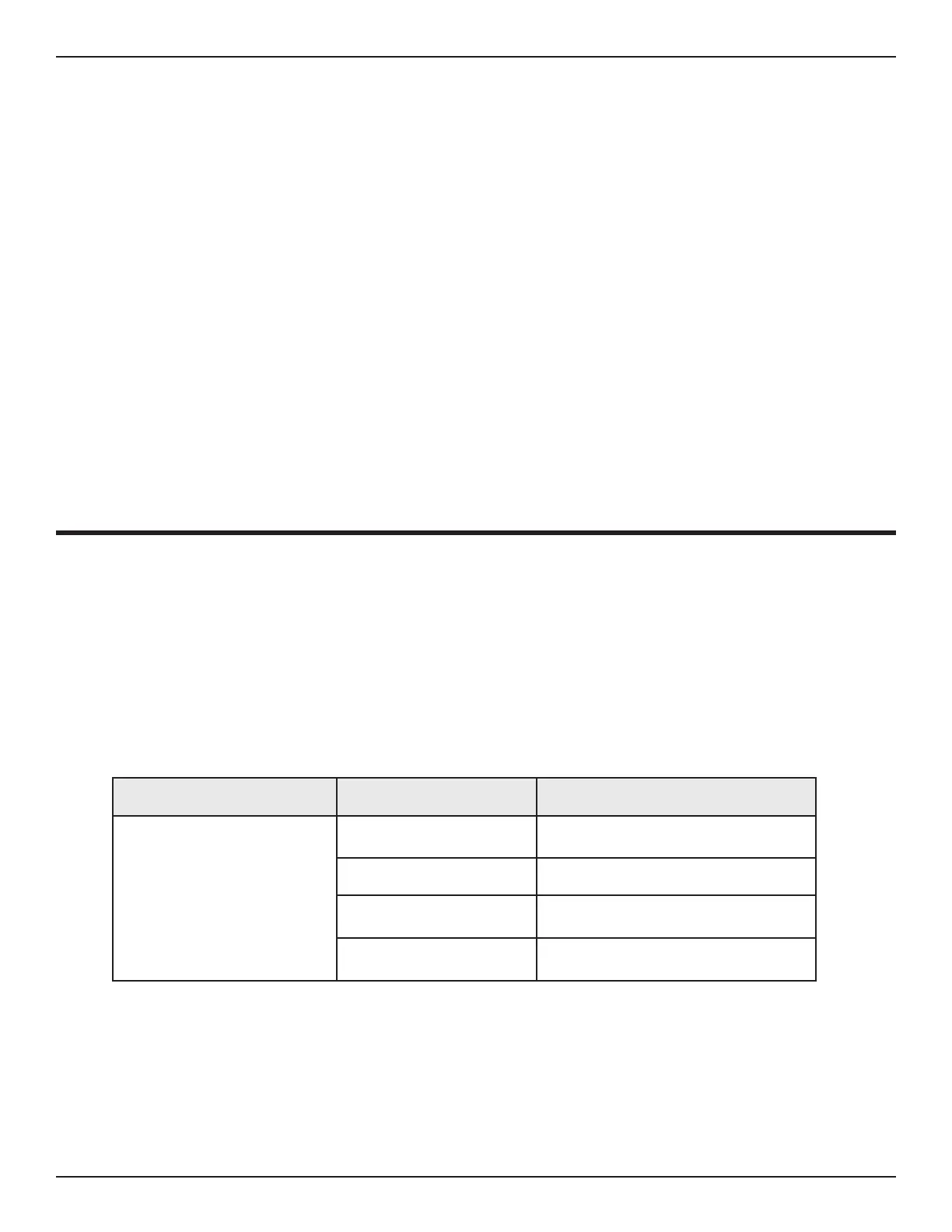
Symptom Cause Corrective Action
Writing/marking not clear
X or Y Axis set screw have
come loose.
Check acceleration settings in Mach3.
Check set screws on X Axis.
X backlash not set. Check X Axis chain tension.
X or Y motor skipping
steps.
Chuck set screw not secure.
Toolhead loose on
machine.
Check Toolhead play on axis mount
plate; check for play on Toolhead Rail.



 To Next Page