59Bend-Tech Dragon A150
Troubleshooting Guide
Control Box
13
13
Control Box
Control Box
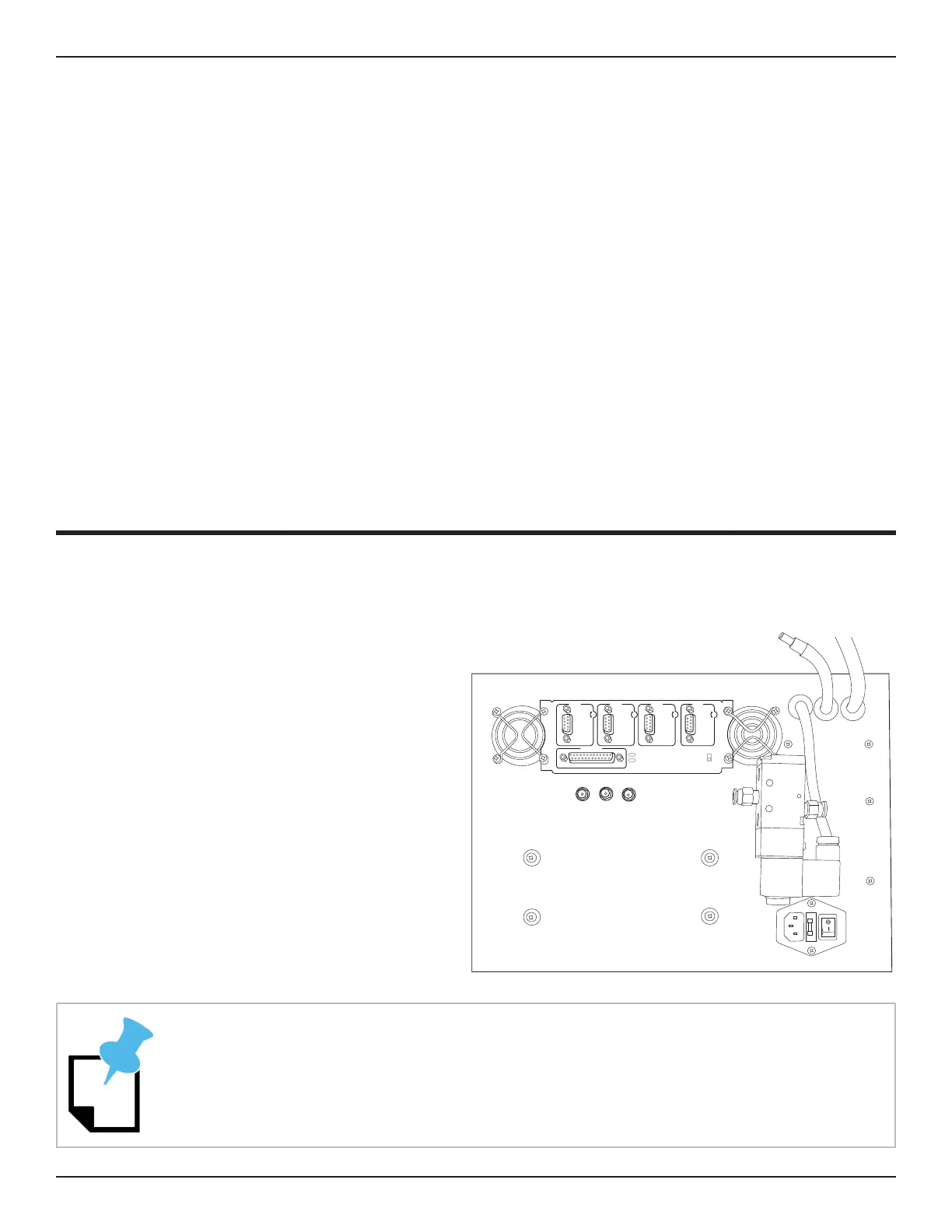
The Control Box for the Dragon A150 is mounted inside the front Support Leg under the Head
of the machine. The Control Box is protected by a Cover Plate. The Cover Plate mounts to four
studs on the leg of the machine. The Operator will be required to remove the Cover Plate to
access the Control Box.
Accessing The Control Box
wrench, remove the four nuts that secure
the Control Box Cover Plate. Remove
the Cover Plate. The Operator can
now access the air line manifold for the
machine, the Main Power Switch, the
Main Power Fuse, the Gecko Drive and
Axis motor cables.
Always power down the machine before servicing the Control Box.
X Y Z
PARALLEL PORT
POWER
ON
OFF
CHARGE
PUMP
FAU LT
X AXIS Y AXIS Z AXIS A AXIS



 To Next Page