Operation
58
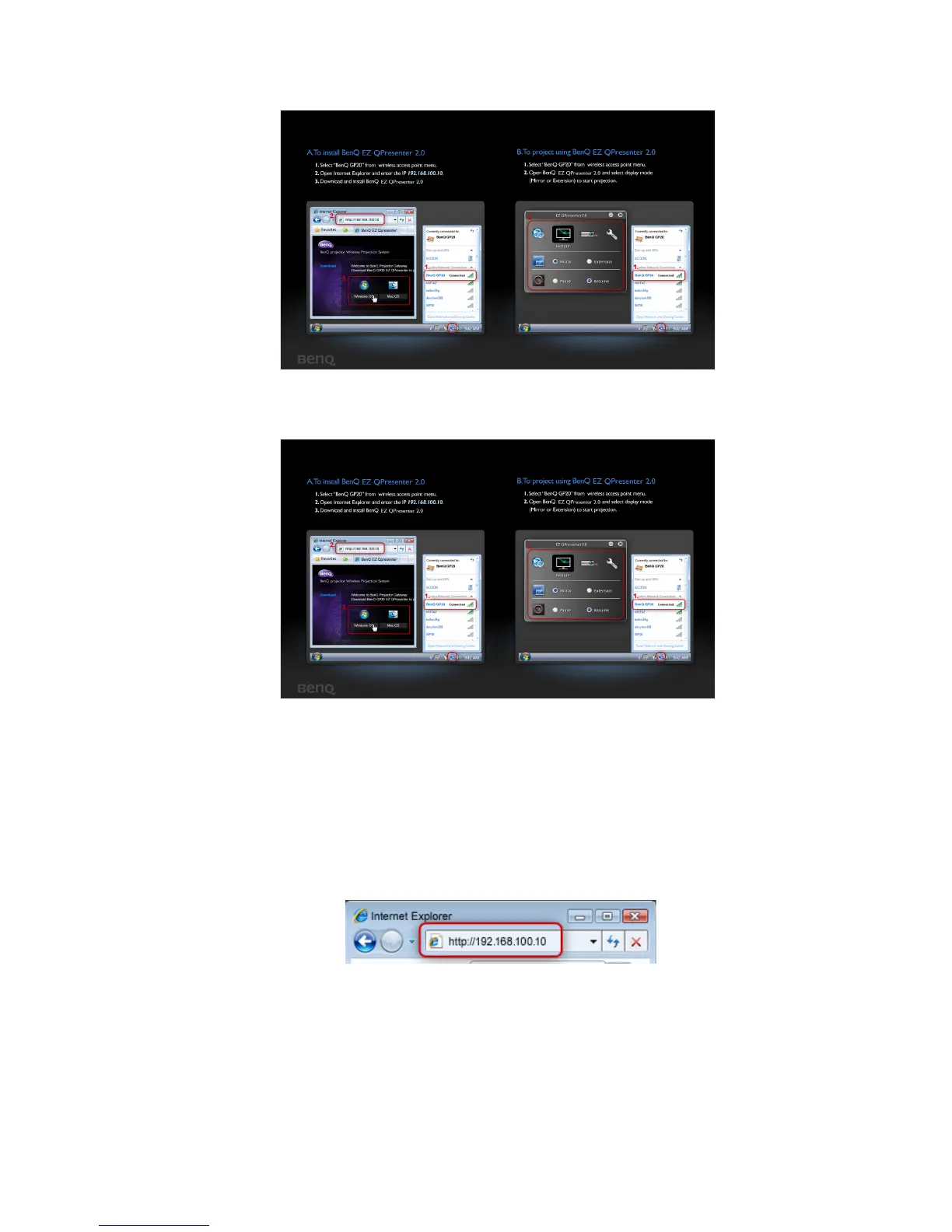
4. You will be prompted to the “PC Display welcome page”
(AP Mode)
(Client Mode)
5. Follow the steps of “To install BenQ EZ QPresenter 2.0” in PC Display
Welcome Page.
i. When GP20 is in AP Mode, start a web browser, key in IP address
192.168.100.10 into the address bar and press Enter. When GP20 is in Client
Mode, start a web browser and key in assigned IP address shown in the PC
Display Welcome Page. You will be prompted to “BenQ EZ QPresenter 2.0
download page”.
ii. Select OS version and start downloading and installing BenQ EZ QPresenter 2.0
by following the on-screen instructions on your PC. After installation is



 To Next Page