Connection
16
Connection
In the connections shown below, some cables may not be included with the projector (see
"Shipping contents" on page 7). They are commercially available from electronics stores.
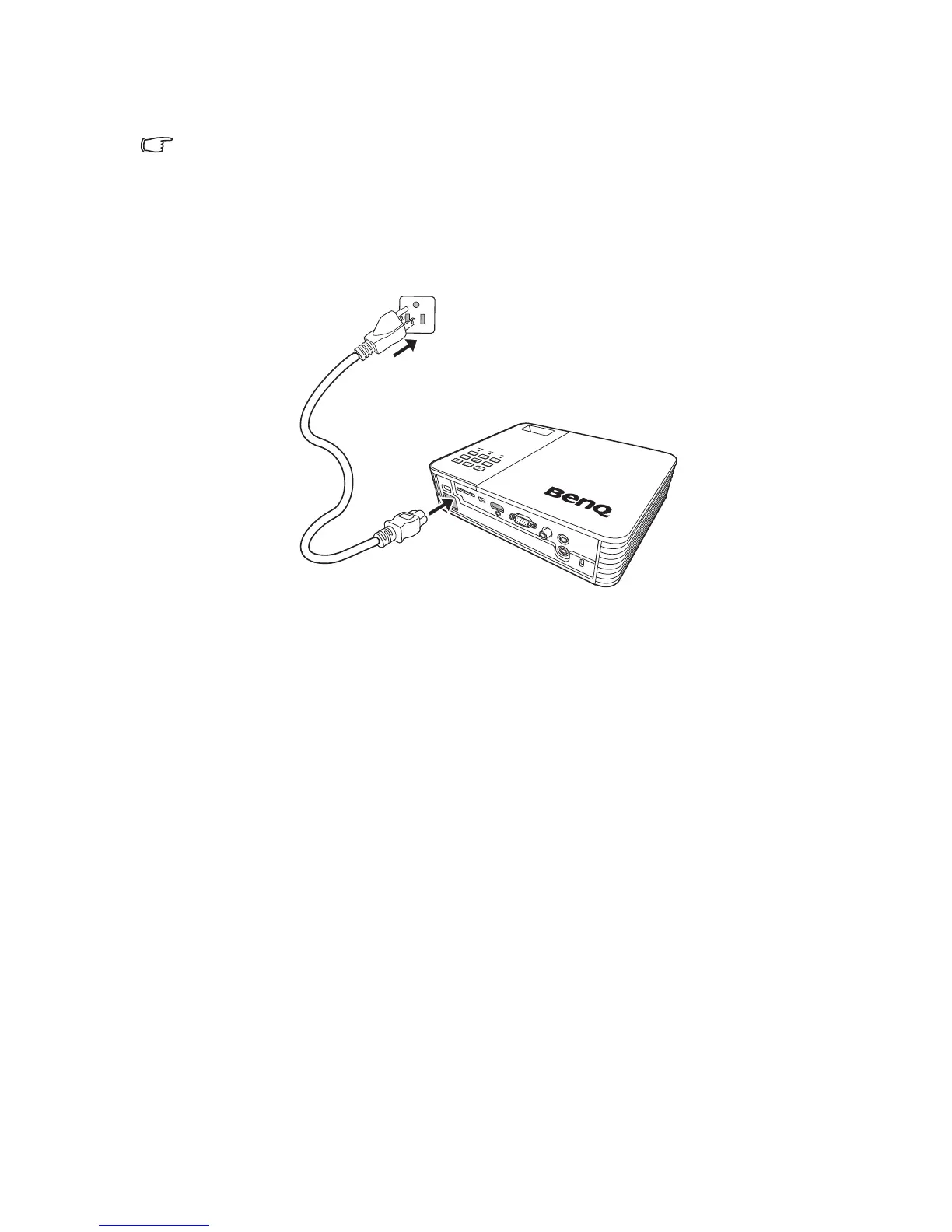
Connecting the power
1. Insert one end of the provided power cord into the AC IN terminal.
2. Insert the plug on the power cord into a power outlet. Check that the Power LED
indicator on the projector lights orange when using the AC adapter.



 To Next Page