Operation
40
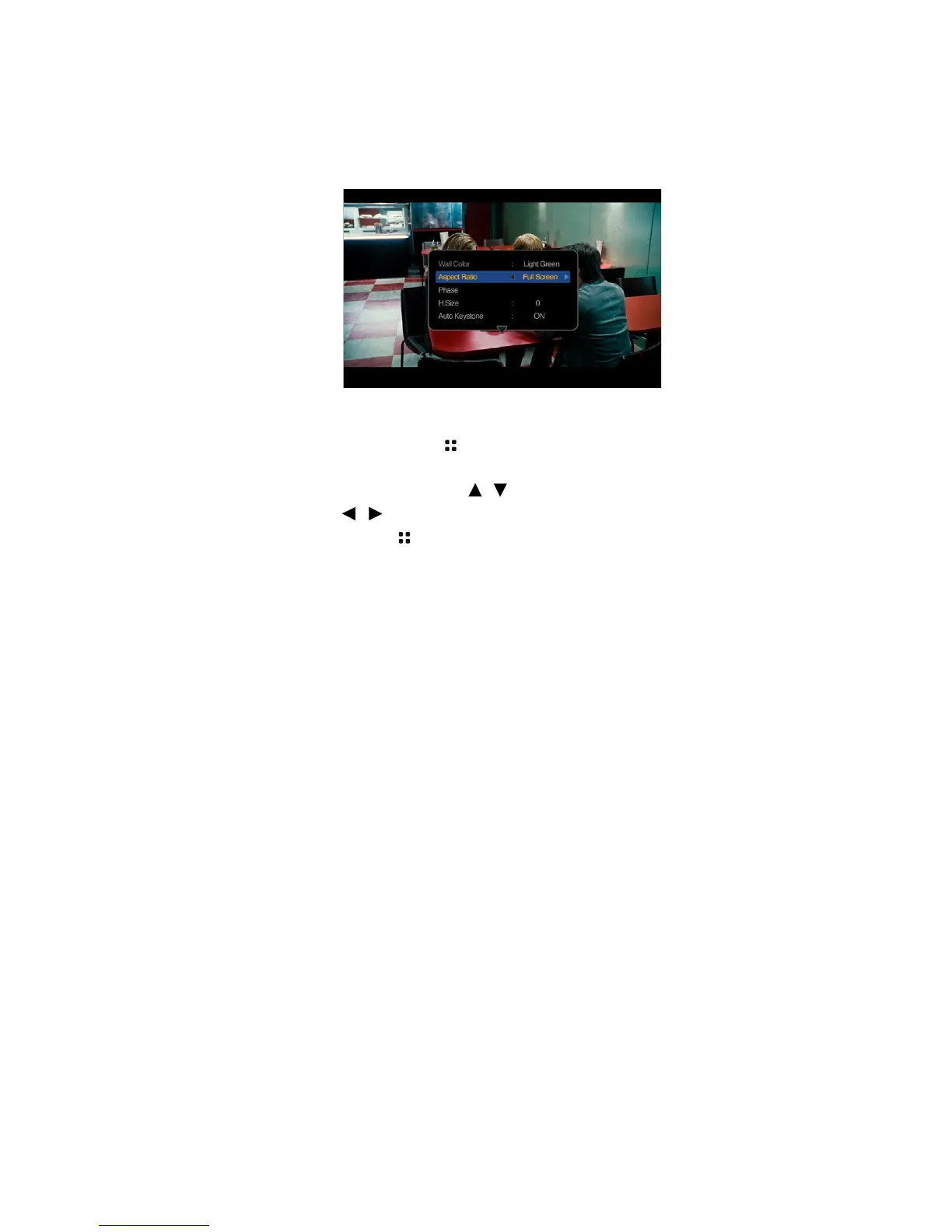
Using PC/ Video pop-up menus
The projector has a multilingual OSD that allows you to make image adjustments and
change a variety of settings. This menu is for the settings to be used in computer,
composite video, component and HDMI modes.
Using the menu
1. To open the OSD menu, press on the projector or remote control when the
projection screen is displayed.
2. When the OSD is displayed, press / to select the desired item and adjust the
settings by using / .
3. To leave the OSD, press again.



 To Next Page