Operation
39
Displaying images with PC and video source
devices
You can connect your projector to a PC and various video source devices. (e.g. HDMI,
MHL, composite video, component video) However, you need only to connect the
projector to one input source device.
To display images:
1. Connect the projector to one of the signal sources.
2. Turn on the power of the projector and your source device. The projector displays
the home screen.
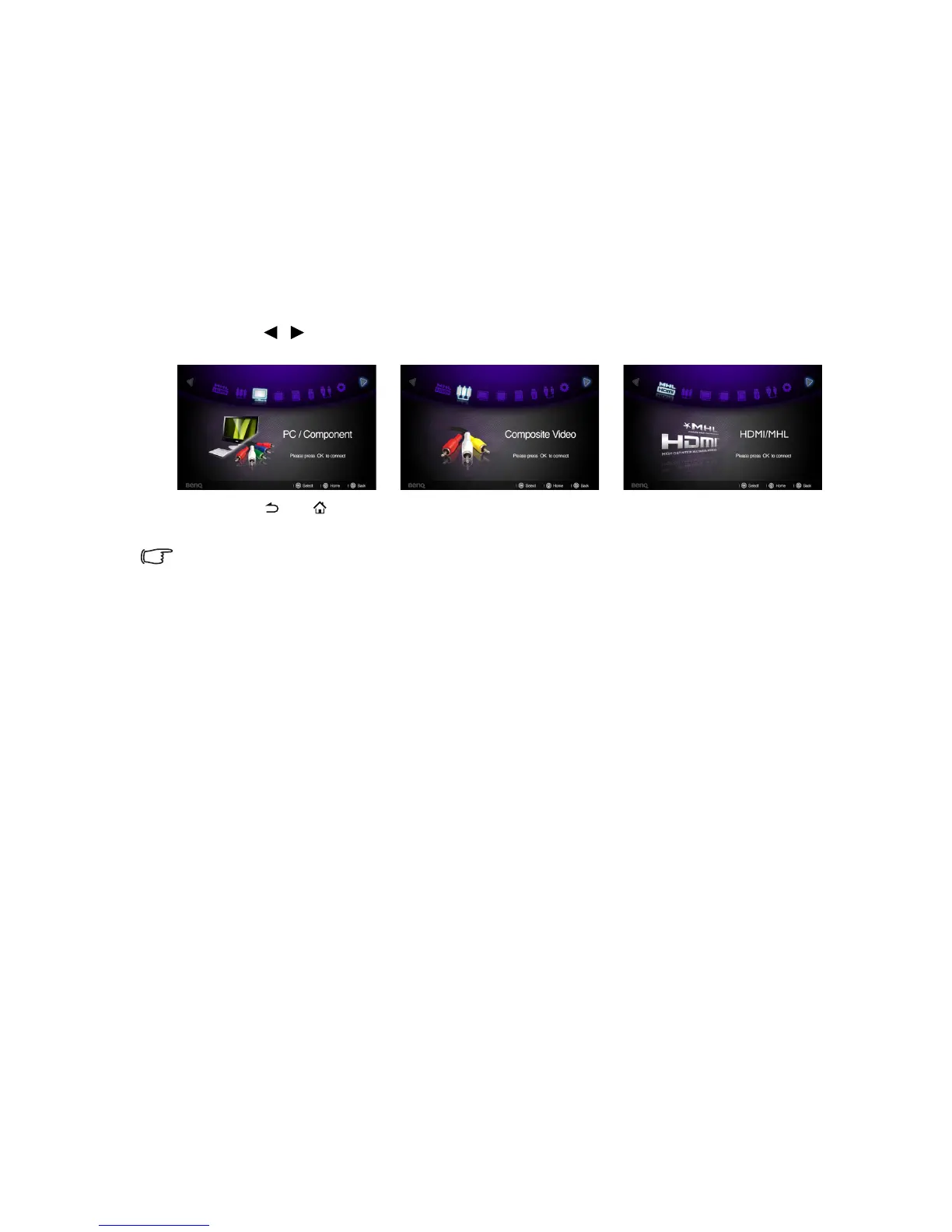
3. Press / on the projector or remote control to select the input signal and then
press OK to enter.
4. Press or to go back to home screen (Does not apply when using MHL as
input source).
Certain remote control functions might not work under MHL operation because the MHL
device being used may not support these functions. Please check your MHL device for available
functions.



 To Next Page