Operation
78
Shutting down the projector
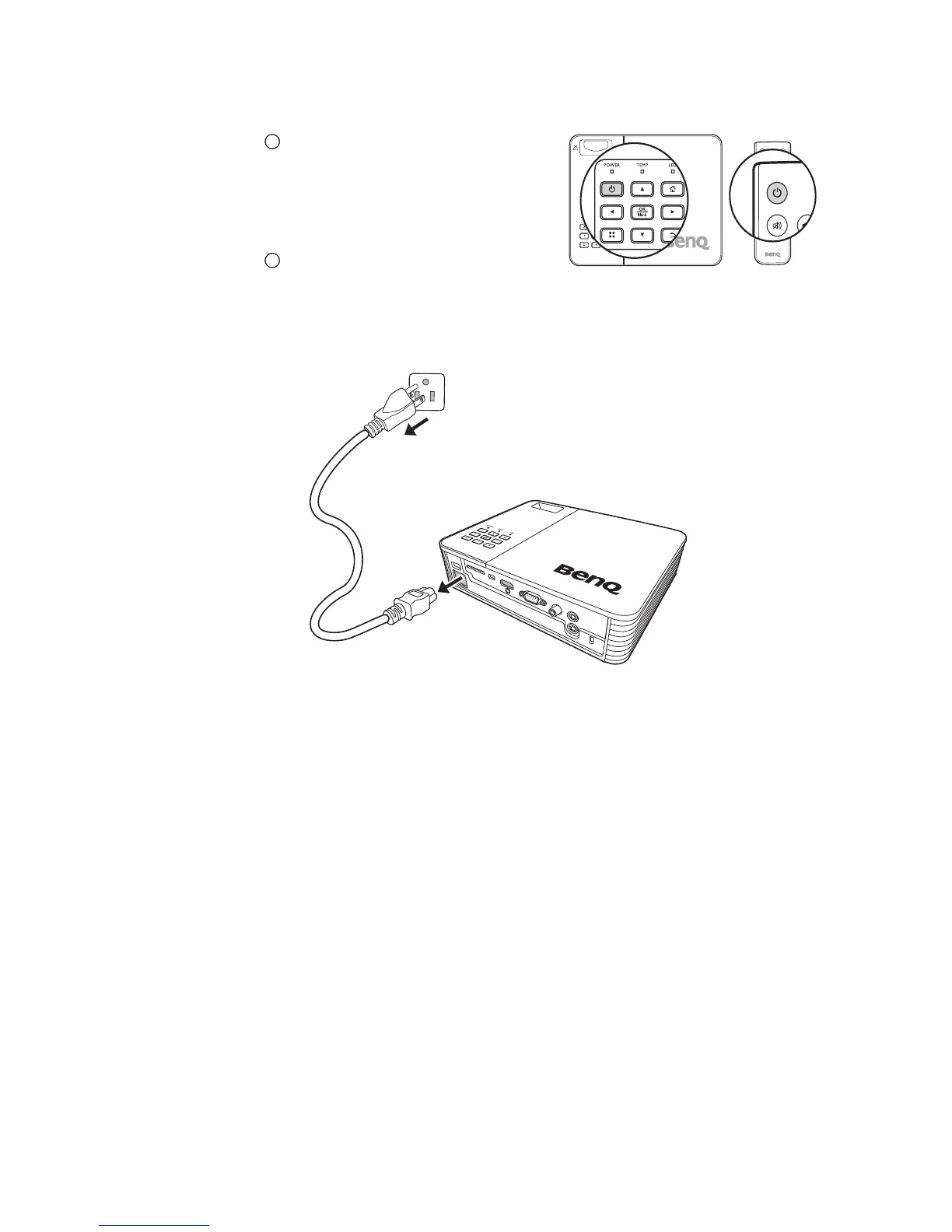
1. Press Power and a confirmation message
appears and prompts you to confirm
shutdown.
If you don't respond in a few seconds, the
message will disappear.
2. Press Power a second time.
3. The Power LED indicator flashes orange
slowly and fans stop.
4. Disconnect the power cord from the power outlet if the projector will not be used
for an extended period of time.



 To Next Page