Operation
50
When viewing photos
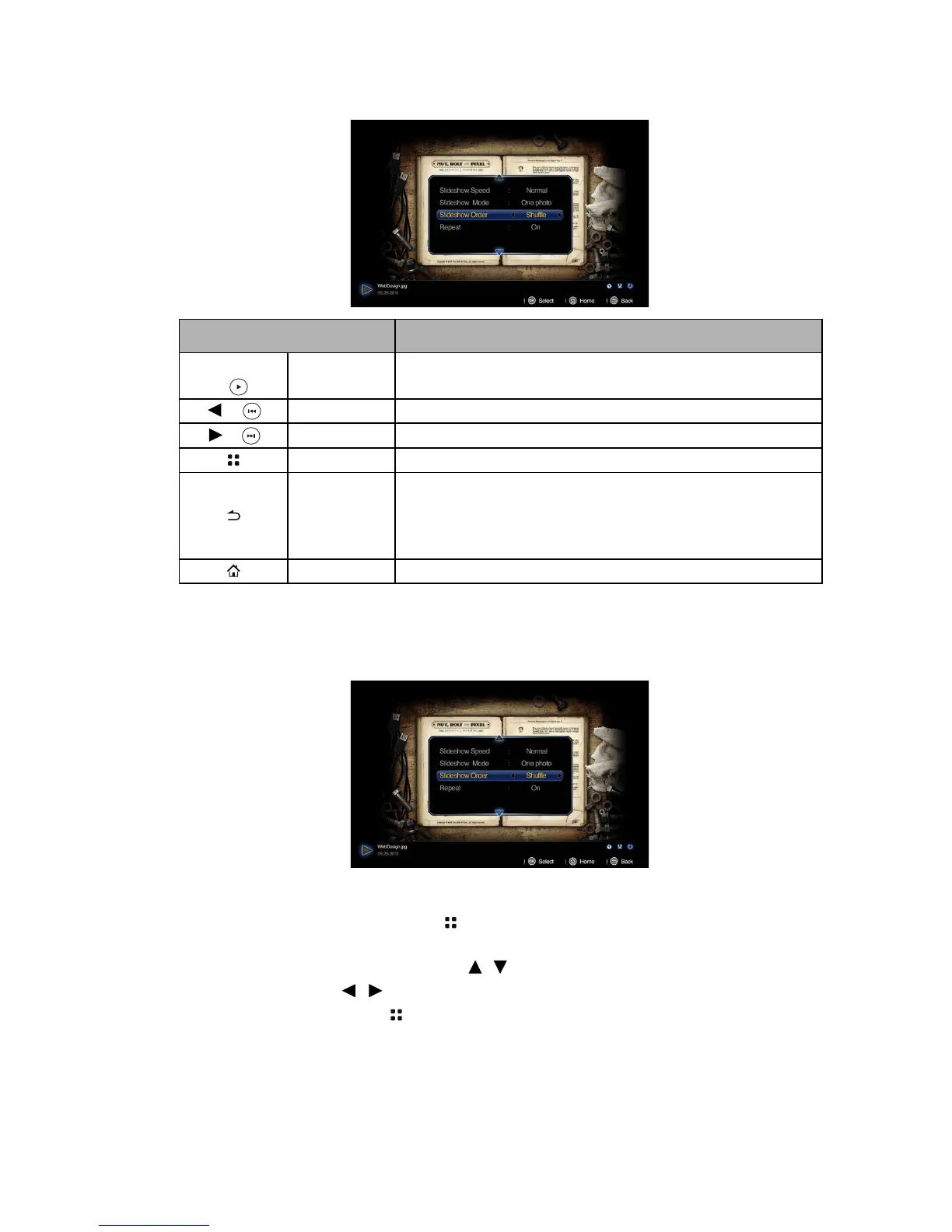
Photo viewer pop-up settings menu
The photo view pop-up menu provides an on-screen display (OSD) for adjustments when
viewing photos.
Using the menu
1. To open the OSD menu, press on the projector or remote control when the
projection screen is displayed.
2. When the OSD is displayed, press / to select the desired item and adjust the
settings by using / .
3. To exit the OSD, press on the projector or remote control again.
NAME DESCRIPTION
OK/Blank
/
Play/Pause Plays or pauses slideshow.
/
Prev Plays previous photo.
/
Next Plays next photo.
Menu Opens/closes photo pop-up settings menu.
Back
• Returns to upper level of OSD.
• Closes photo pop-up setting menu.
• Leaves current photo player and back to photo file
browser.
Home Exits photo player and go back to home screen.



 To Next Page