English
50
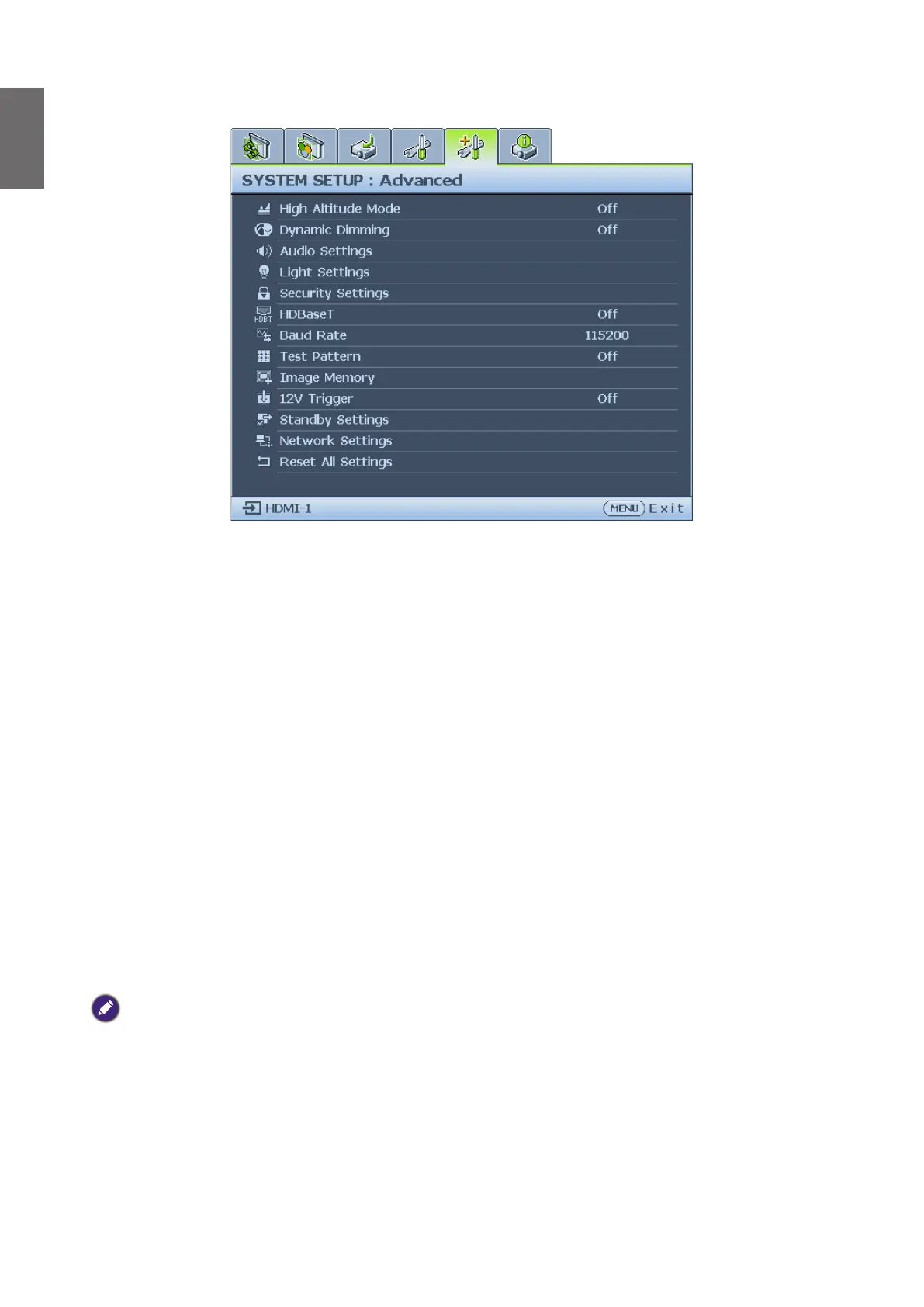
System Setup : Advanced menu
• High Altitude Mode
Press
◄
/
►
to enable or disable High Altitude Mode. Enable this function when the operating
altitude is higher than 1500m or the ambient temperature is over 40°C.
• Dynamic Dimming
Press
◄
/
►
to enable or disable dynamic dimming function. Enable the function to automatically
reduces the screen's brightness level when the displayed image contains a high proportion of
bright areas.
When 3D Sync Mode is
DLP Link
, the Dynamic Dimming function is not available.
• Audio Settings
Press ENTER to enter the Audio Settings menu. See "Audio Settings menu" on page 52
for more details.
• Light Settings
Press ENTER to enter the Light Settings menu. See "Light Settings menu" on page 53 for
more details.
• Security Settings
Press ENTER to enter the Security Settings menu. See "Security Settings menu" on
page 53 for more details.
• HDBaseT
Press
◄
/
►
to enable or disable the HDBaseT.
Note:
• Turn on HDBaseT mode will disable internal LAN and RS232 control and switch to Normal
power standby mode automatically.
• When high altitude mode on, power force to 85%.



 To Next Page