English
55
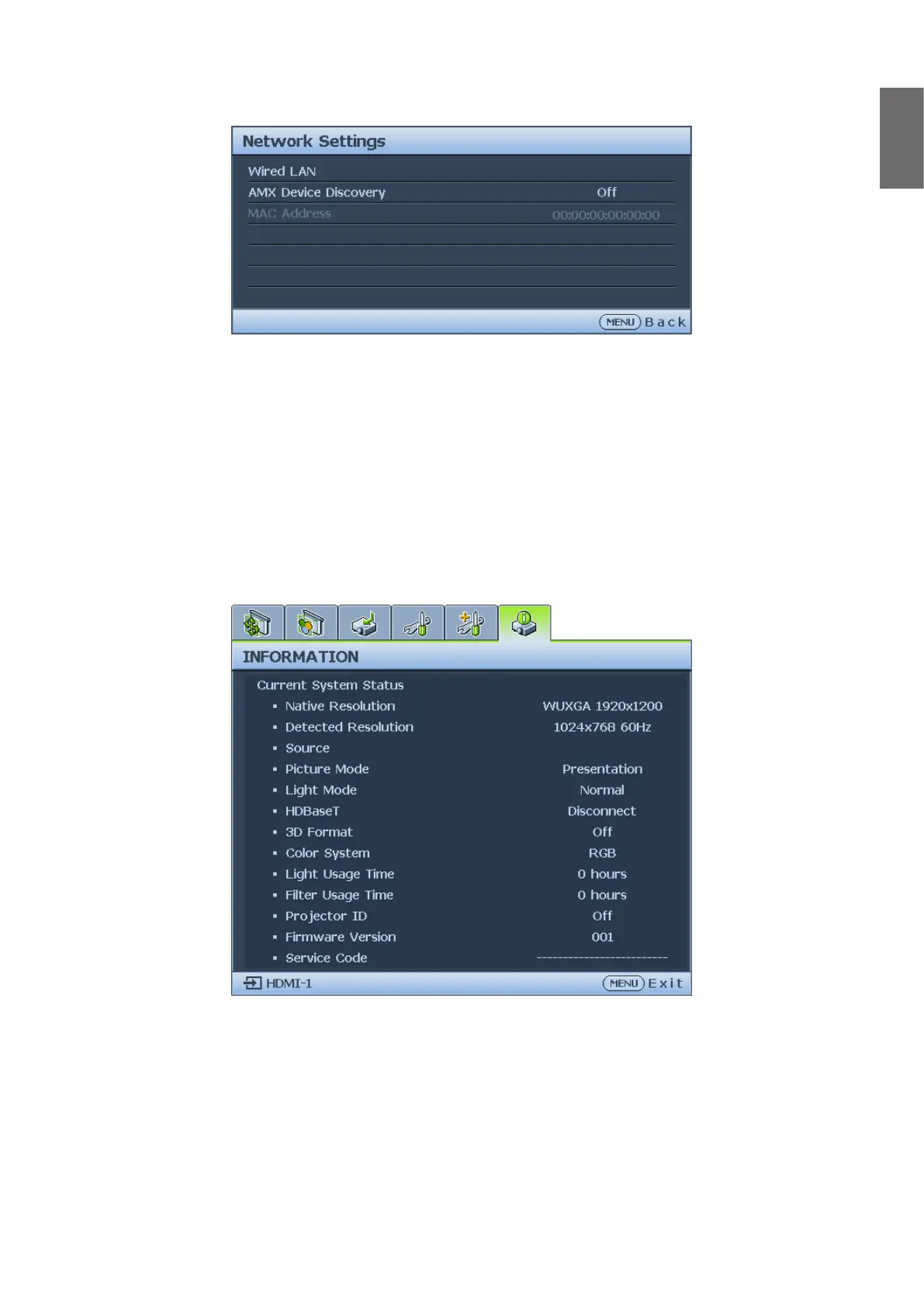
Network Settings menu
• Wired LAN
Press ENTER to enter the Wired LAN menu to setup the IP address, subnet mask, default
gatway, DNS server and DHCP.
• AMX Device Discovery
Press
◄
/
►
to enable or disable the AMX device discovery function. When the function is
enabled, the projector can be detected by an AMX controller.
• Mac Address
Displays the cureent MAC address of the projector.
Information menu
• Native Resolution
Displays the native resolution of the model.
• Detected Resolution
Displays the detected timing.
• Source
Displays the current signal source.
• Picture Mode
Displays the current picture mode.



 To Next Page