English
64
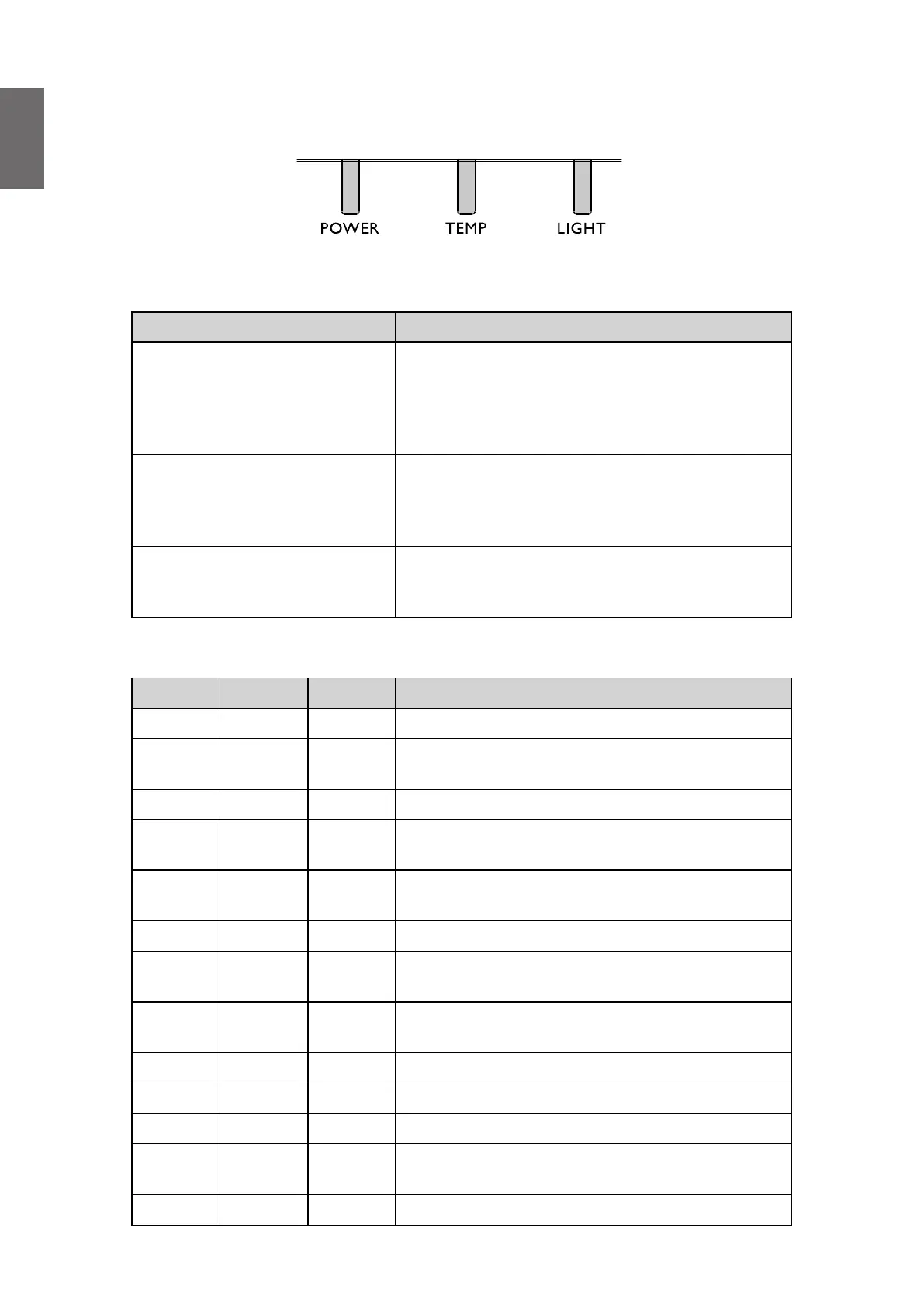
LED indicator
LED Usage
LED Name Detailed Description
Power LED
Display the power on/off sequence status
Orange : Power Off (Green + Red)
Green : Power On
Blink : Warming up/Shutting Down & Cooling / Error
Code
Temperature Status LED
Display the Thermal status (Fan Fail, Over
Temperature, etc.)
Red : Thermal Over Temperature
Blink : Error Code
Lamp Status LED
Display the Lamp status (Lamp fail, Lamp spoil etc.)
Red : Lamp Fail
Blink : Error Code
System message
Power Temp Light Status & Description
Orange - - Stand-by
Green
Flashing
- - Powering up
Green - - Normal operation
Orange
Flashing
- - Normal power-down cooling
Red
Flashing
Red
Flashing
Red
Flashing
Download
Green - Red CW start fail
Green -
Red
Flashing
Phosphor Wheel start fail
Red
Flashing
- - Scaler shutdown fail(data abord)
Red - Red Scaler reset fail(video projector only)
- Red - LAN download fail
- Green - LAN download processing
Orange -
Green
Flashing
Light source life exhausted
Orange - Green Lens release



 To Next Page