English
62
Filter maintenance
Cleaning the lter
The air lter prevents dust from accumulating on the surface of the optical elements inside the
projector. If the lter is dirty or clogged, your projector may overheat or degrading the projected
image quality.
1. Turn off the projector, and unplug the AC power cord from the AC outlet.
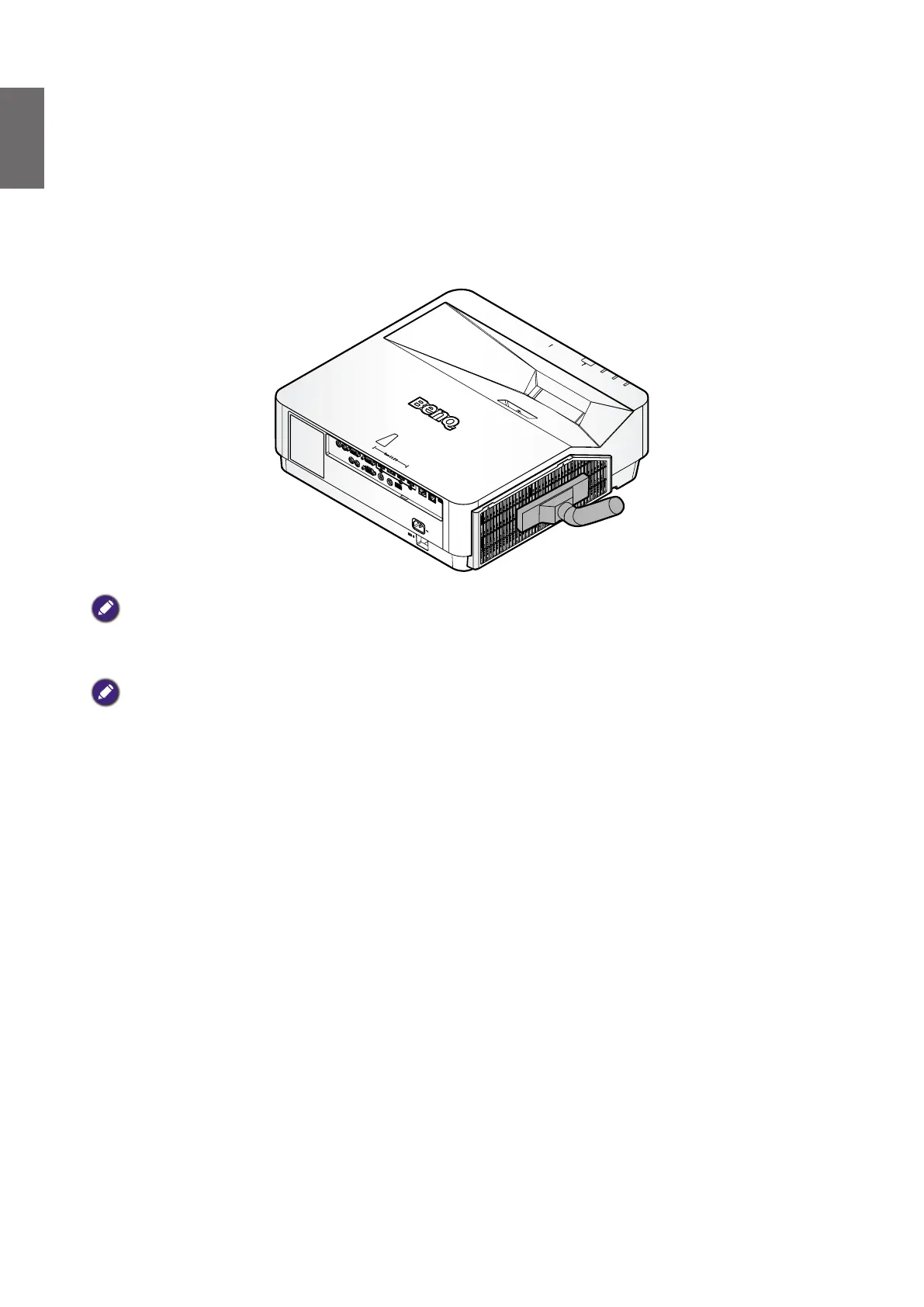
2. Cleaning the lter with a vacuum cleaner.
Caution:
Recommend avoiding dusty or smoky environments when you operate the projector, it may cause poor image quality. If
the lter is heavily clogged and unable to clean, replace a new lter.
Note:
Using a ladder is recommended to access the lter. Do not remove the projector from the wall mount.



 To Next Page