13 Positioning your projector
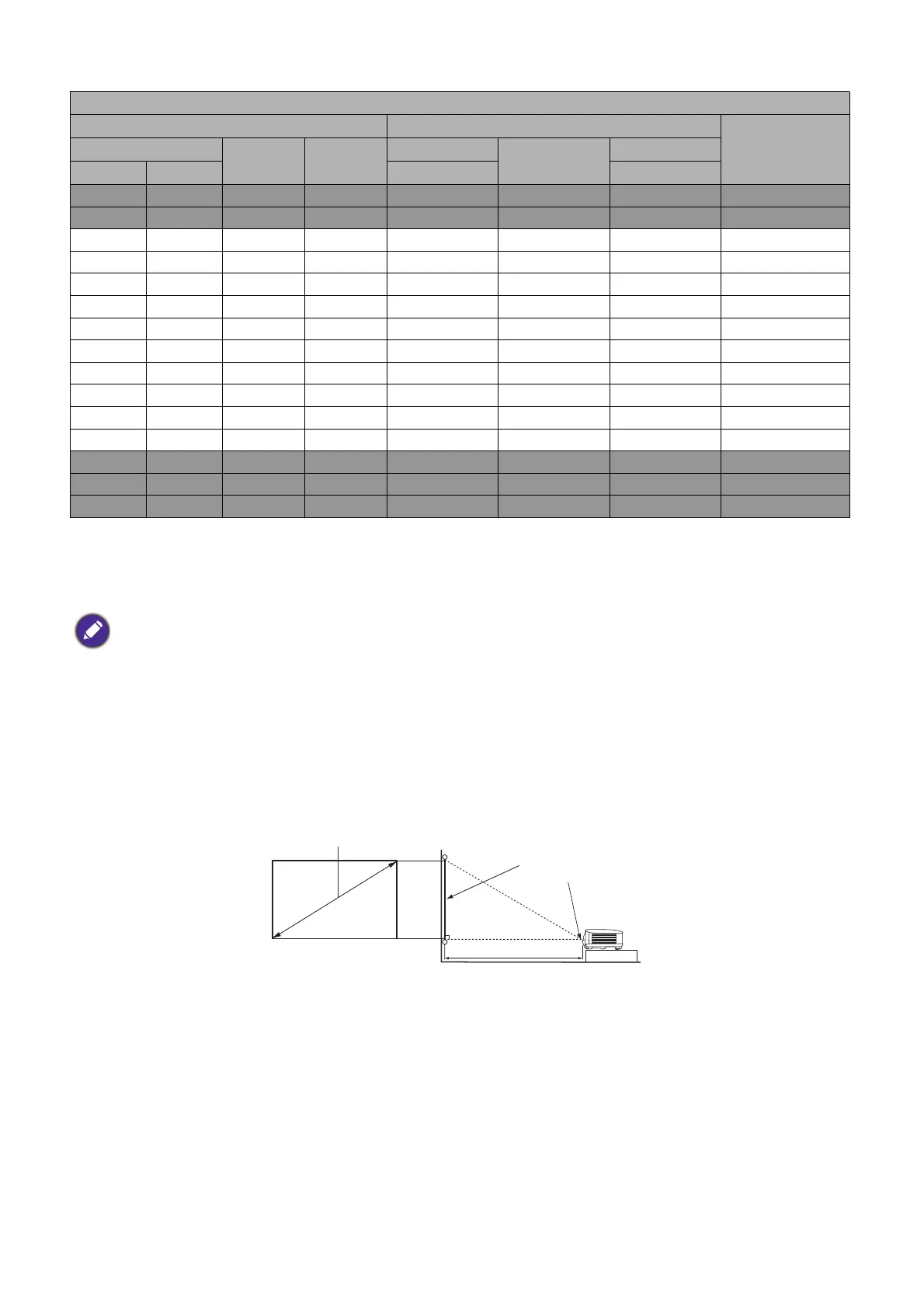
For example, if you are using a 120-inch screen, the recommended projection distance is 4462 mm.
If your measured projection distance is 5000 mm, the closest match in the "Projection distance (mm)"
column is 4834 mm. Looking across this row shows that a 130'' (about 3.3 m) screen is required.
LU710/LU710D/LU930/LU930D
LX730/LX730D
Screen size Projection distance (mm)
Offset (mm)Diagonal
H (mm) W (mm)
Min distance
Average
Max distance
Inch mm (max. zoom) (min. zoom)
30 762 457 610 860 1116 1372 46
50 1270 762 1016 1433 1859 2286 76
60 1524 914 1219 1719 2231 2743 91
70 1778 1067 1422 2006 2603 3200 107
80 2032 1219 1626 2292 2975 3658 122
90 2286 1372 1829 2579 3347 4115 137
100 2540 1524 2032 2865 3719 4572 152
110 2794 1676 2235 3152 4090 5029 168
120 3048 1829 2438 3438 4462 5486 183
130 3302 1981 2642 3725 4834 5944 198
140 3556 2134 2845 4011 5206 6401 213
150 3810 2286 3048 4298 5578 6858 229
200 5080 3048 4064 5730 7437 9144 305
250 6350 3810 5080 7163 9296 11430 381
300 7620 4572 6096 8595 11156 13716 457
• To optimize your projection quality, we suggest you do the projection within non-gray area.
• All measurements are approximate and may vary from the actual sizes.
BenQ recommends that if you intend to permanently install the projector, you should physically test the
projection size and distance using the actual projector in situ before you permanently install it, so as to make
allowance for this projector's optical characteristics. This will help you determine the exact mounting position so
that it best suits your installation location.
H
W
Projection distance
Center of lens
Screen
16:10 Screen diagonal



 To Next Page