Positioning your projector 19
MH534
The screen aspect ratio is 16:9 and the projected picture is 16:9
For example, if your projector is MH534 and using a 120-inch screen, the average
projection distance is 3772 mm and with a vertical offset of 103 mm.
If your measured projection distance is 5.0 m (5000 mm), the closest match in the
"Projection distance (mm)" column is 4715 mm. Looking across this row shows that a 150''
(about 4.0 m) screen is required.
All measurements are approximate and may vary from the actual sizes.
BenQ recommends that if you intend to permanently install the projector,
you should physically test the projection size and distance using the actual
projector in situ before you permanently install it, so as to make allowance
for this projector's optical characteristics. This will help you determine the
exact mounting position so that it best suits your installation location.
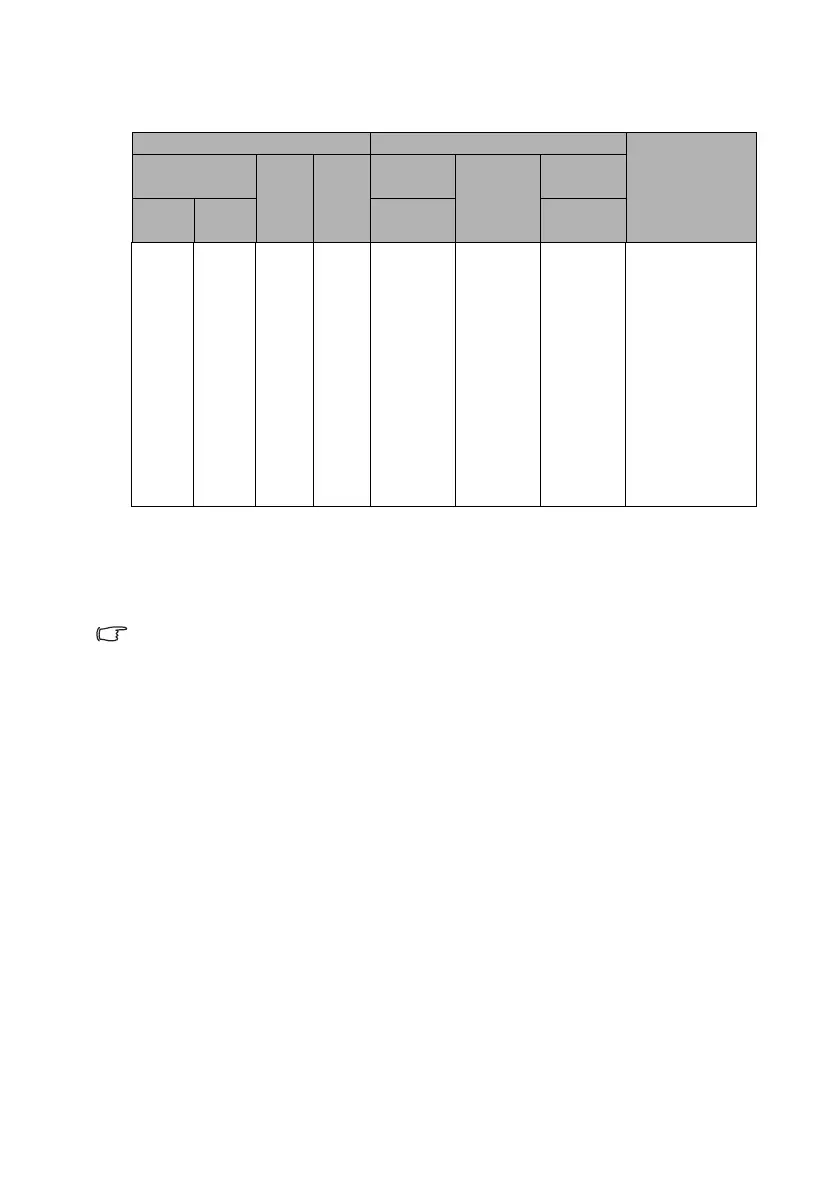
Screen size Projection distance (mm) Vertical o f fset
(mm)Diagonal W
(mm)
H
(mm)
Min
distance
Average Max
distance
Inch mm (max.
zoom)
(min.
zoom)
35 889 775 436 992 1100 1209 30
40 1016 886 498 1133 1257 1381 34
50 1270 1107 623 1417 1572 1727 43
60 1524 1328 747 1700 1886 2072 51
80 2032 1771 996 2267 2515 2763 68
100 2540 2214 1245 2834 3144 3454 86
120 3048 2657 1494 3400 3772 4144 103
150 3810 3321 1868 4250 4715 5180 128
200 5080 4428 2491 5667 6287 6907 171
220 5588 4870 2740 6234 6916 7598 188
250 6350 5535 3313 7084 7859 8634 214
300 7620 6641 3736 8501 9431 10361 257



 To Next Page