Operation
65
2. Turn on your projector if needed.
3. Remove the USB flash drive from your computer and plug it into the USB TYPE-A
jack of the projector.
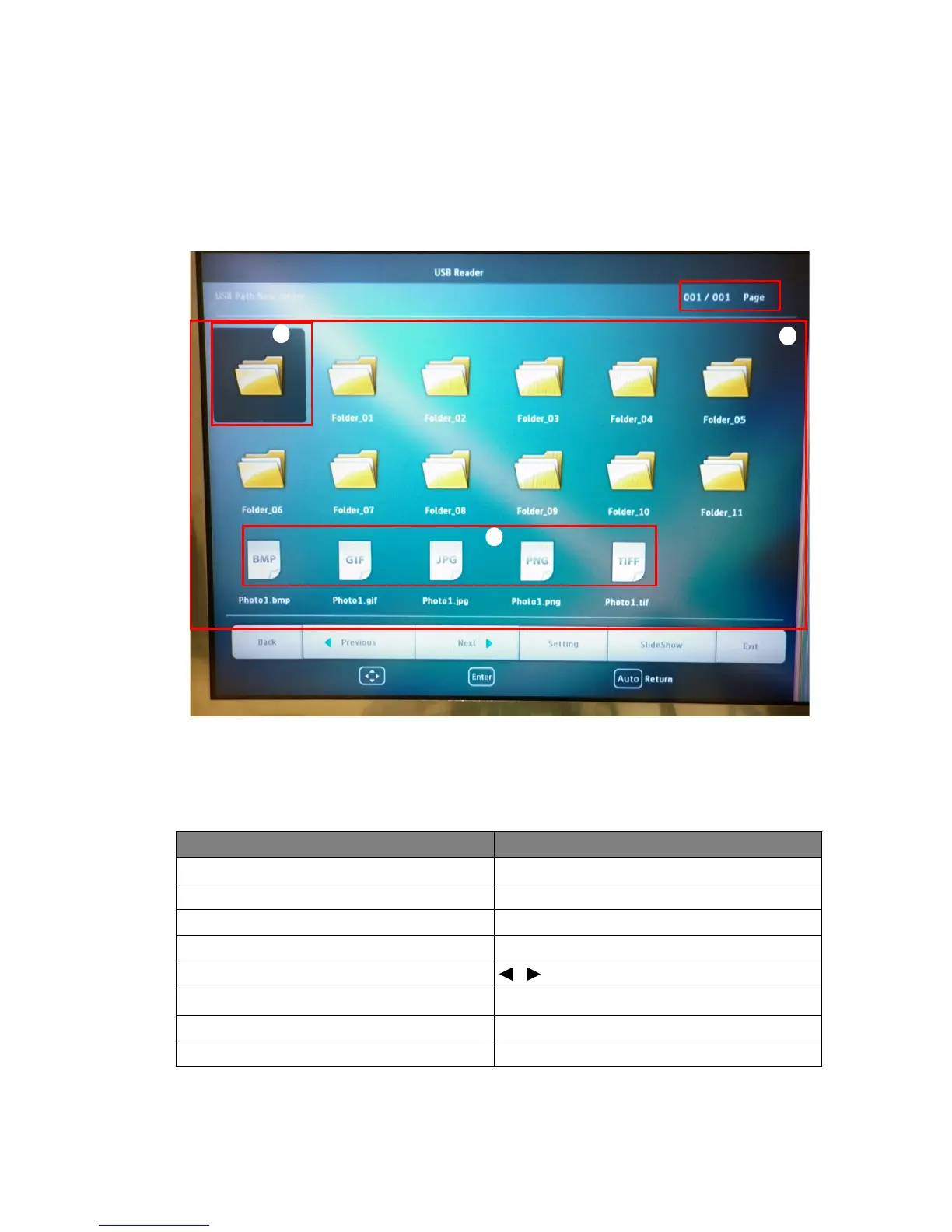
4. The thumbnails display.
Controlling USB Reader
While viewing thumbnails:
i. Thumbnails
ii. Selected folder
iii. Supported file format
To Press
open folder Enter
scroll through thumbnails four arrow keys
return to a previous page Auto
exit USB Reader Exit
change to a different page
/
go back to the first page of that folder Back
start slide show Slideshow when an image is highlighted.
adjust USB Reader settings Setting
i
iii
ii



 To Next Page