Operation
66
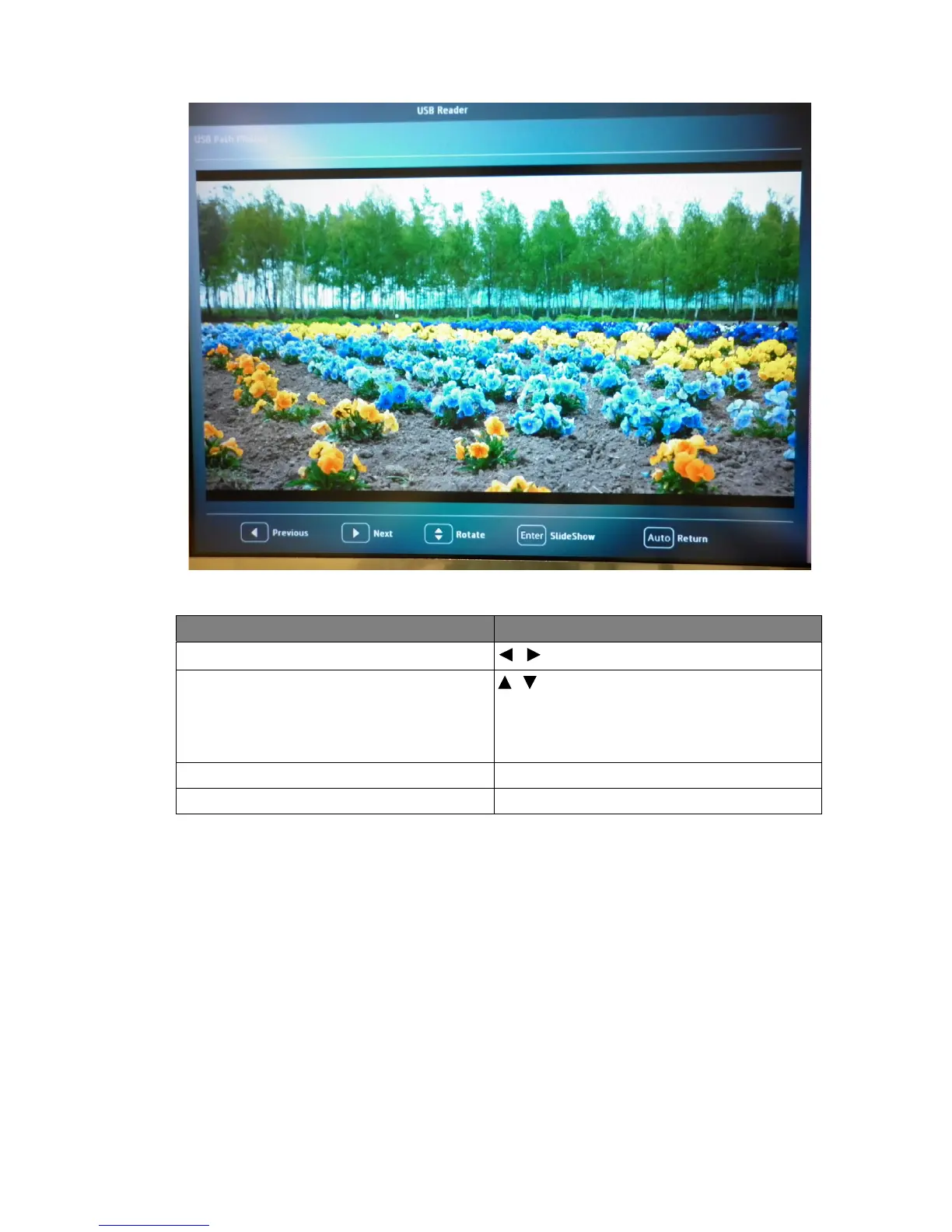
During slideshow:
To Press
go to previous or next image
/
rotate the image by 90 degree clockwise/
counterclockwise
/
(Rotation is temporary; the image returns to
its original orientation when you go back to
thumbnails)
start/stop slideshow Enter
return to a previous page Auto



 To Next Page