Positioning your projector 17
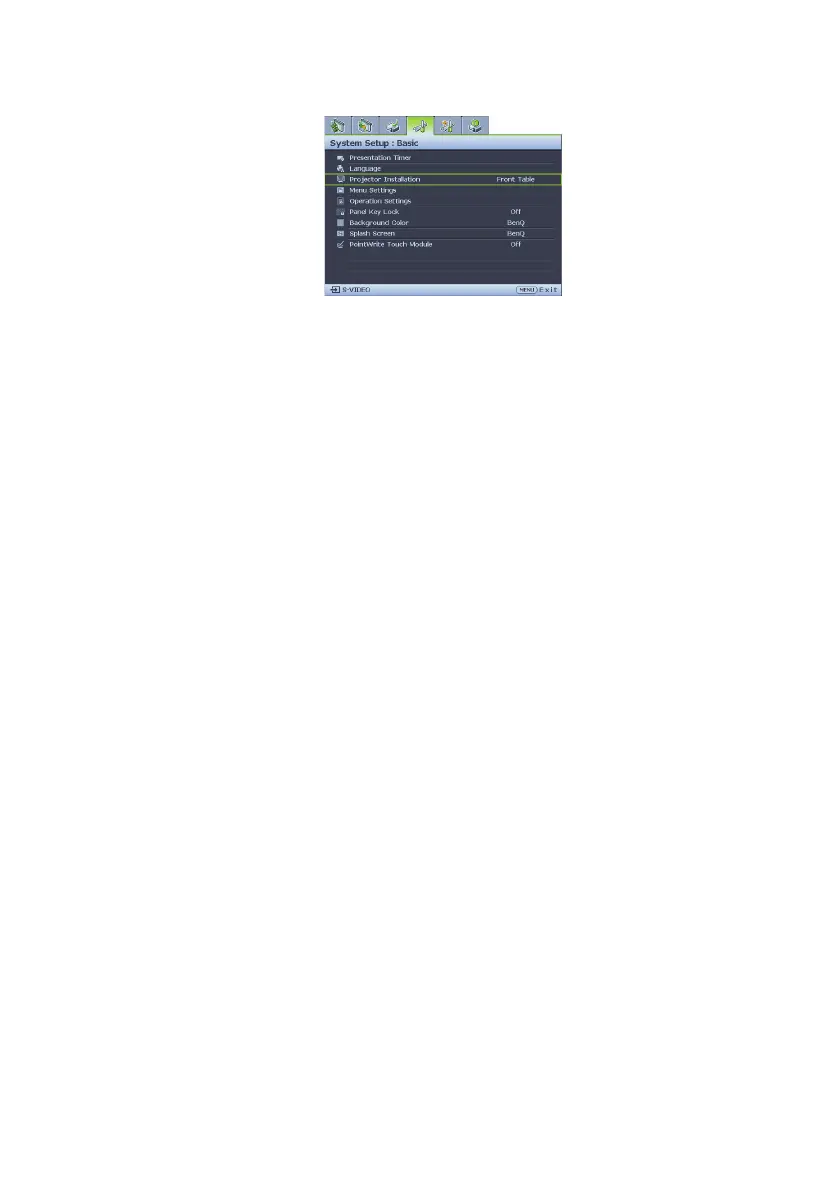
Set up your screen via Quick Install hotkey on remote, you can also go to the SYSTEM
SETUP: Basic > Projector Installation menu after turning on the projector.
Your room layout or personal preference will dictate which installation location you select.
Take into consideration the size and position of your screen, the location of a suitable
power outlet, as well as the location and distance between the projector and the rest of
your equipment.
Obtaining a preferred projected image size
1. Wall mount
2. Dimension (include projector and wall mount)


 To Next Page