Connection 23
Connecting video source devices
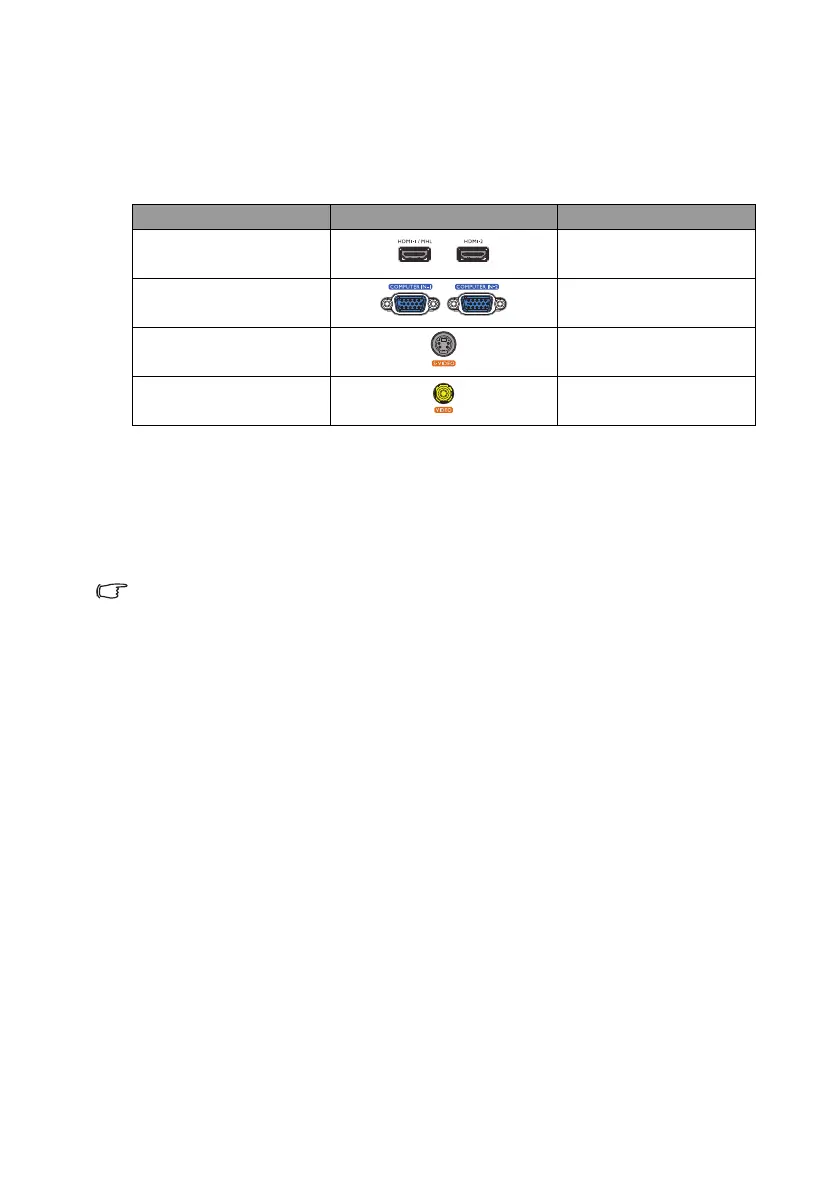
You need only connect the projector to a video source device using just one of the
connecting methods, however each provides a different level of video quality. The method
you choose will most likely depend upon the availability of matching terminals on both the
projector and the video source device as described below:
Connecting audio
The projector has two built-in speaker which are designed to provide basic audio
functionality accompanying data presentations for business purposes only. They are not
designed for, nor intended for stereo audio reproduction use as might be expected in
home theater or home cinema applications.
The built-in speaker will be muted when the AUDIO OUT jack is connected.
If the selected video image is not displayed after the projector is turned on and the correct video
source has been selected, check that the video source device is turned on and operating
correctly. Also check that the signal cables have been connected correctly.
Te r m i n a l n a m e Terminal appearance Picture quality
HDMI Best
Component Video Better
S-Video Good
Video Normal


 To Next Page