Setting Up Your Projector12
Setting Up Your Projector
Choosing a Location
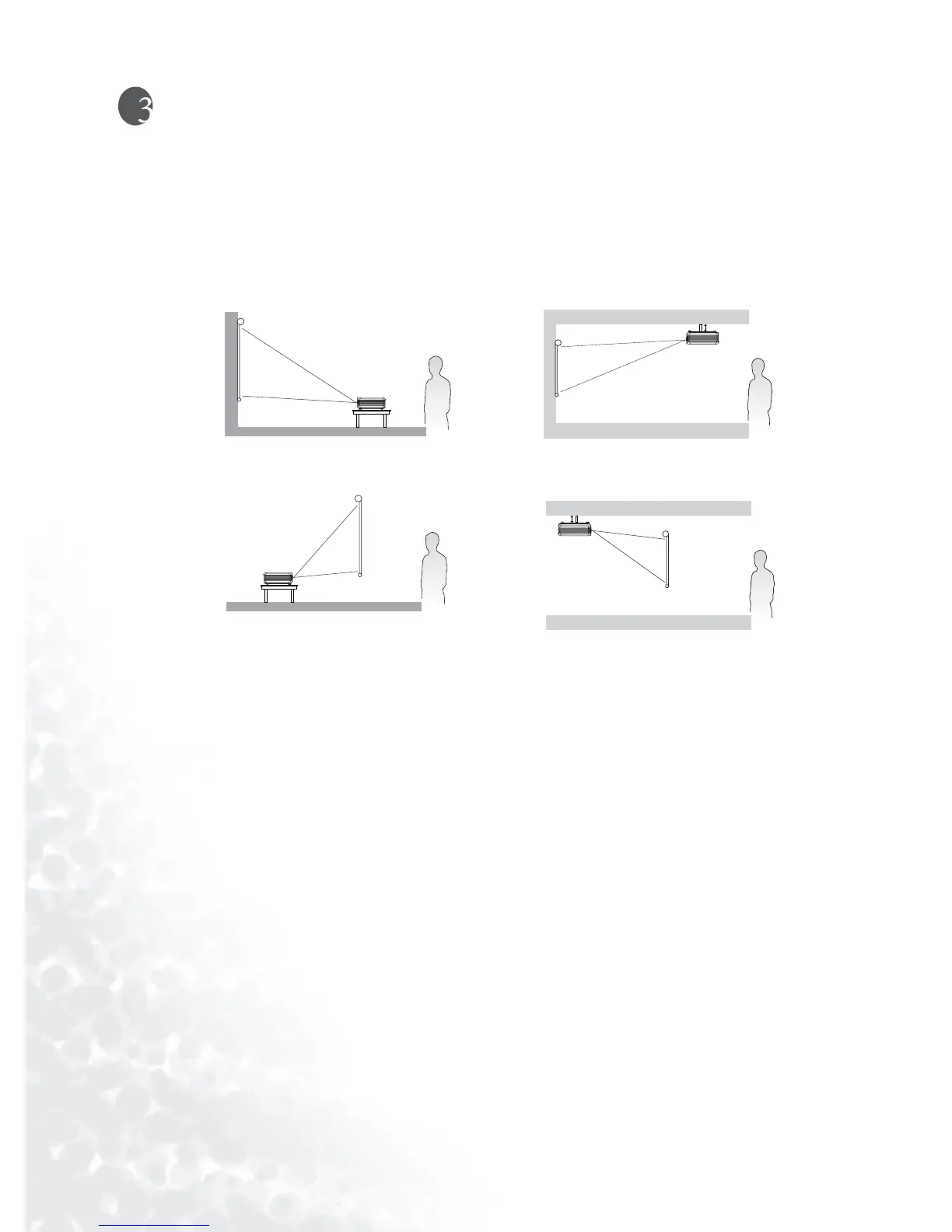
Your projector is designed to be installed in the four installation configurations shown here:
Floor front, Ceiling front, Floor rear, Ceiling rear. Your room layout or personal preference
will dictate which installation configuration you use.
For further information on the four configurations, please refer to page 29.
If you place the projector above or below the screen, you have to tile it down or up to center
the image on the screen, in these situations image distortion will occur. Use the Keystone
function to correct the distortion. See page 19 for keystone correction.
Making Connections
When connecting a signal source to the projector, be sure to:
1. Turn all equipment off before making any connections.
2. Use the correct signal cables for each source.
3. Ensure the cables are firmly inserted.
I. Floor front II. Ceiling front
III. Floor rear
IV. Ceiling rear



 To Next Page