Setting Up Your Projector14
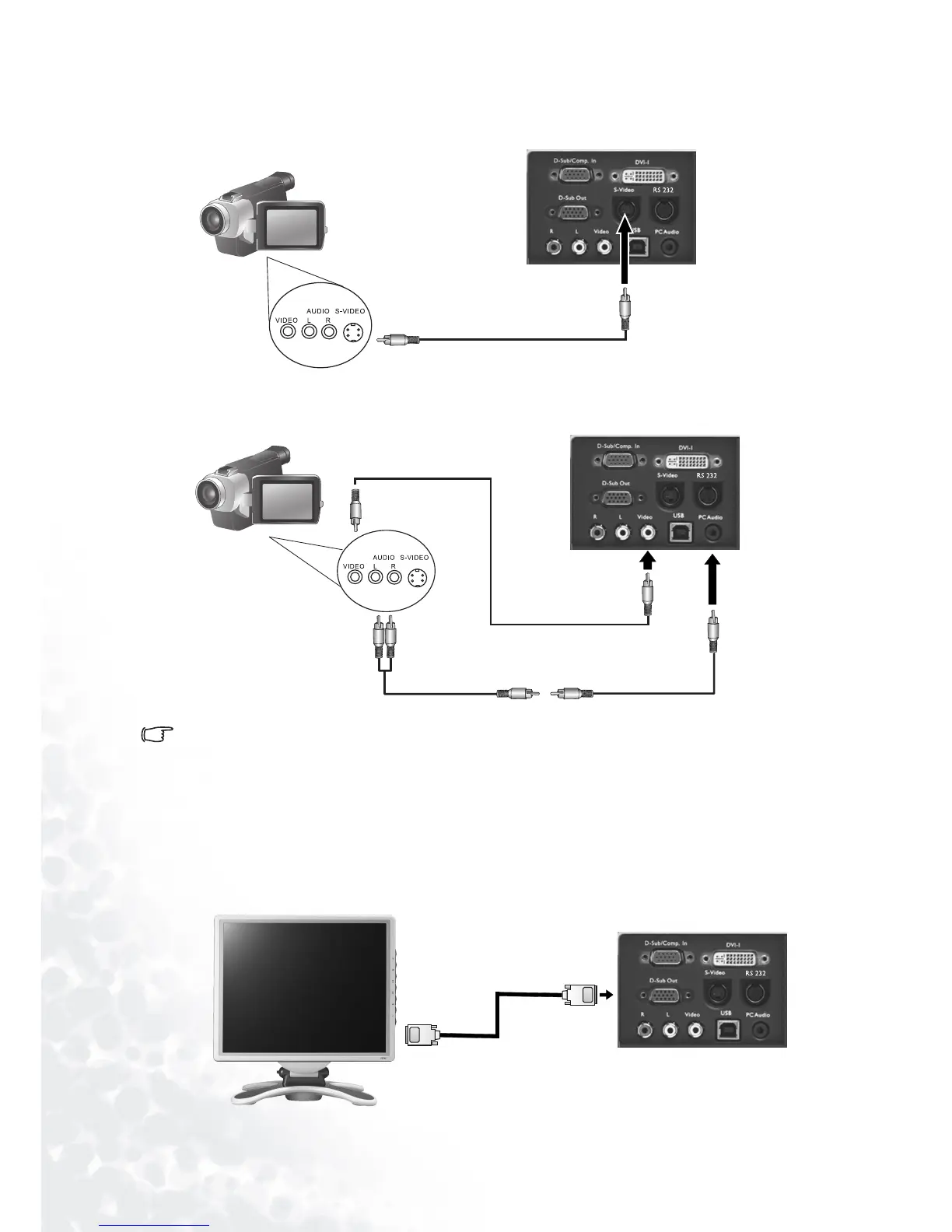
Connecting to Video or S-Video Devices
If the selected video image is not displayed after the projector is turned on and the correct
video source has been selected, check that the video source is turned on and operating cor-
rectly. Also check that the signal cables have been connected correctly.
Connecting to Display Devices
If you want to monitor your presentation close-up on a monitor as well as on the screen, you
can connect the RGB signal output port on the projector to an external monitor with a VGA
cable or D-Sub - DVI-I cable.
S-Video devices
S-Video
S-Video cable
Video devices or VCR
Video cable
Audio cable
VGA cable or D-Sub -
DVI-I cable



 To Next Page