Maintenance38
Step 6. Re-install the lamp cover and tighten the
screw. Do not turn the power on with the
lamp cover removed. Whenever the lamp
is replaced, reset the total lamp operation
time. Do not reset if the lamp is not
replaced as this could cause damage.
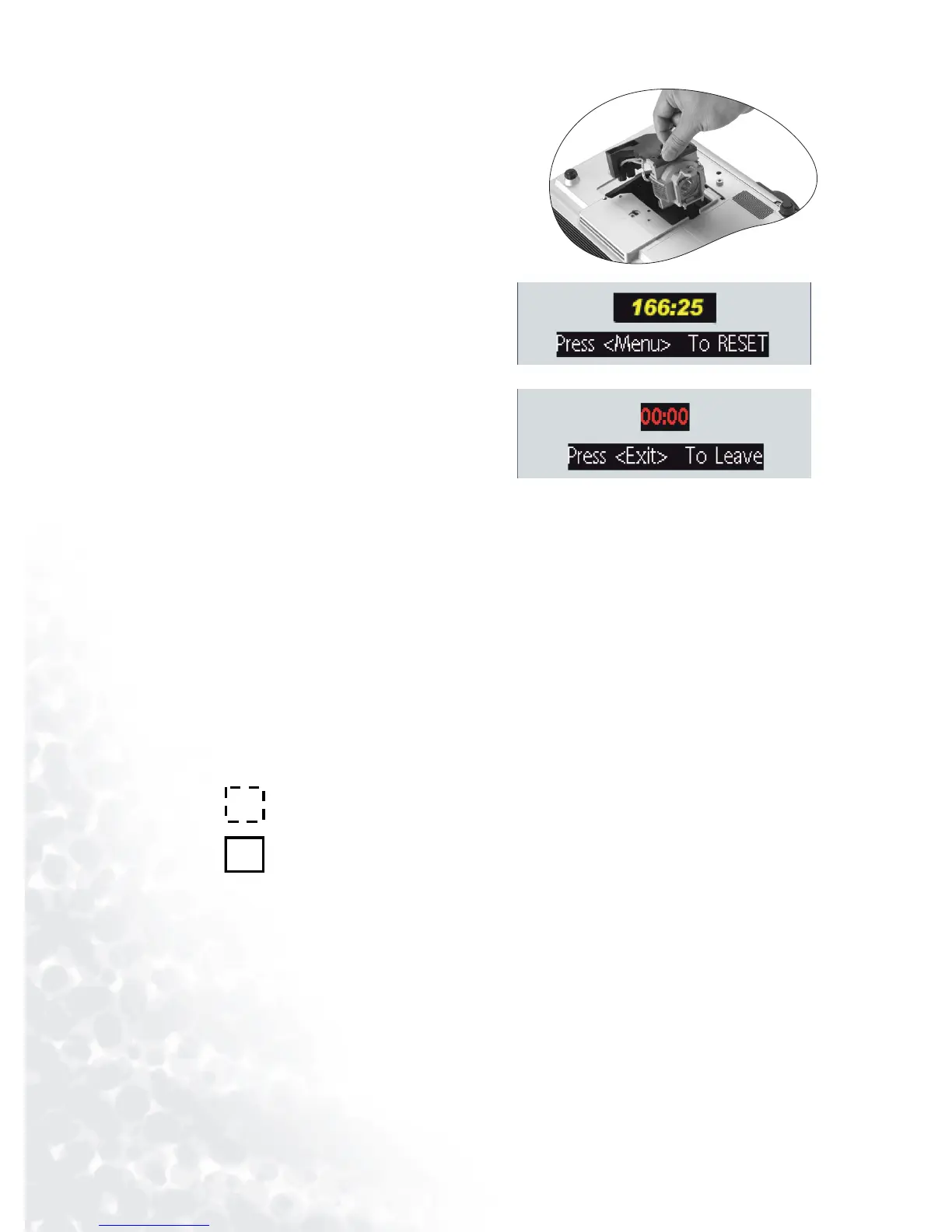
Step 7. Reset the lamp counter
i. Press and hold Exit on the projector
for 3 seconds to display the total used
lamp time.
ii. Press Menu on the projector or on
the remote control to access the lamp
hour timer. An adjustment message
will appear.
iii. Press W or X to reset lamp hours
and press EXIT to leave.
Temp In f o r m a t i o n
When the Temperature warning light is on, it is warning you of the following possible prob-
lems:
1. The internal temperature is too high.
2. The fans are not working.
Turn the projector off and contact qualified service personnel for further help.
For more detailed information, please refer to "Indicators" on page 38.
Indicators
Illustration
1. Blank - : Light OFF
2. : Light flashing
3. : Light ON
4.
O : Orange light
5.
R : Red light
6.
G : Green light



 To Next Page