Operation 21
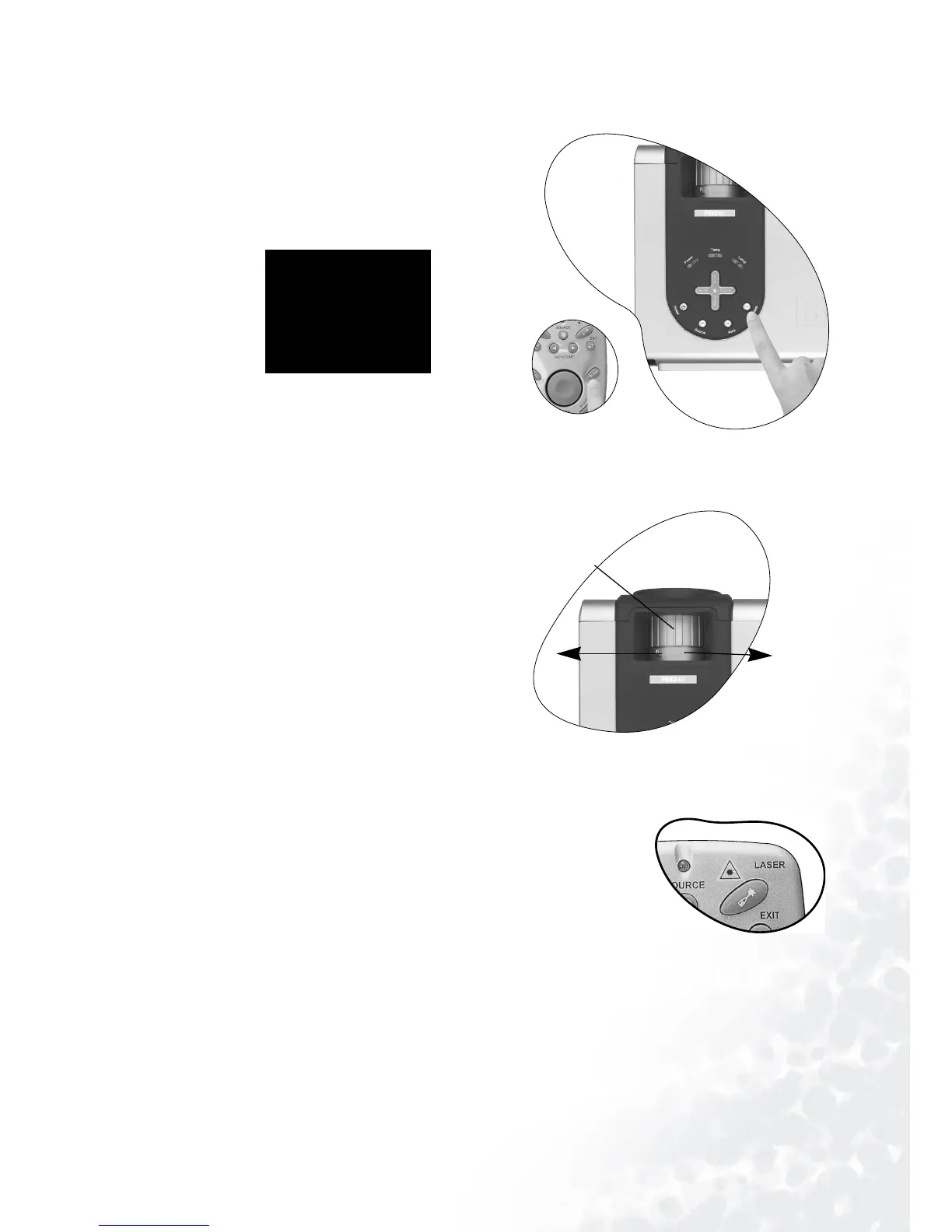
Blank
In order to draw the audience’s full atten-
tion to the presenter, you can use Blank to
hide the screen image. Press Blank again to
restore the image. A word “BLANK” appear
at the bottom right corner of the screen
when the image is hidden.
Zoom / Focusing
Adjust the projected image to your
desired size using the lens’ zoom ring.
Then focus the image by rotating the
focus ring. Refer to the screen size table
on page 15.
Laser Pointer Operation
The Laser Pointer is a presentation aid for professionals. It
emits red colored light when you press it and the LED indica-
tor lights up green. Do not look into the laser light window or
shine the laser light beam on yourself or others. Refer to the
warning messages on the back of the remote control and the
attached “User Information” prior to using it.
BLANK
Min. zoom
Max. zoom
Focus ring



 To Next Page